Simplest first bot for a small website
FastBots
Train it on your pages and files, answer repeat questions, and collect lead details without building a support desk first.
Small business guide
Picks for local service businesses, ecommerce stores, WordPress site owners, consultants, and small teams. Pick the job first — fewer missed leads, better answers, product help, or a safer handoff — then compare plans and pricing units.
Quick picks
These are the tools we would inspect first for each common small-business situation, based on official vendor documentation and current ChatbotEdge reviews — not a claim that one tool wins for every business. Confirm current pricing and limits on the vendor's plan page before you commit.
Simplest first bot for a small website
Train it on your pages and files, answer repeat questions, and collect lead details without building a support desk first.
Careful answers from your own content
A stronger fit when the business has pages, documents, policies, or product data the bot should answer from with tight control.
AI plus a live-chat inbox and handoff
Pick this when someone on the team will manage support and you want AI answers, live chat, and a clean human handoff in one place.
Designed conversation flows on WordPress
Worth checking when you want designed flows, support-workspace features, and a documented WordPress setup path around the bot.
Leads start in Instagram comments or DMs
If customers message you under posts, in DMs, or on Messenger before they ever reach the website, map the social lead path first.
WhatsApp is the main sales channel
For WhatsApp-first teams, check the WhatsApp lead path, message-fee model, and setup steps before forcing a website bot into the channel.
What the visitor needs
What the chatbot should collect
Safe for the chatbot
A cleaner first response without turning the website into an untested automation stack.Needs a person or approved process
No invented price, confirmed booking, account change, or final customer promise.If your website is missing enquiries, start with a trained chatbot that answers repeat questions and collects better lead details. If your team already handles support, look for AI plus inbox handoff. If you sell online, inspect product data, shipping, returns, and order status before choosing a tool. For a local cleaning company, the cleaning-business chatbot guide covers quote details, property context, recurring jobs, and handoff. For agents and brokerages, the real-estate chatbot guide covers listing Q&A, showing-request intake, buyer timelines, and fair-housing boundaries. If the missed enquiry starts in comments, DMs, Messenger, or WhatsApp, use the Instagram comment-to-DM guide to plan the first social lead path, then compare Manychat against website chatbots before forcing a site bot into a social inbox. If WhatsApp is the main sales or support channel, use the lead-capture guide to check the Wati path with message-fee and setup caveats.
Be slower with anything that changes a customer record, creates a quote, books a job, or sends an invoice. A small business can get real value from AI before those deeper actions are safe. If the workflow is clear but the tier is not, use the small-business chatbot plan picker before paying. If budget is the first filter, start with the affordable chatbots guide or the free chatbot plans guide.
Quotes and paperwork
A chatbot can collect the lead, quote request, booking note, or order context. Receipts, invoices, expenses, approvals, ecommerce sales data, and accounting records are a separate workflow. Decide what the chatbot should collect, who reviews it, and where the records go before connecting bookkeeping or admin tools.
Dext is one bookkeeping or admin tool to inspect later: its public pages describe receipt and invoice capture, accounting integrations, ecommerce sales data, and AI Assist. We have not tested Dext hands-on, so treat it as a later step after the chatbot, lead routing, and human approval path are clear.
Before buying any bookkeeping or admin tool, recheck pricing, document volume, add-ons, permissions, sync behavior, AI suggestions, and who approves records.
Email follow-up
A chatbot can collect a question, quote request, or subscriber email. It does not create a follow-up rhythm by itself. If the practical leak is that leads sit untouched after capture, inspect an email layer only after the owner, CRM, or inbox handoff is clear.
AWeber is one source-checked option for AI-assisted newsletter drafting and workflow follow-up after capture. ChatbotEdge checked AWeber's official AI, Workflows, and pricing pages on June 6, 2026, but has not published a hands-on AWeber workflow, inbox-placement, or signup-flow test.
Treat this as a downstream follow-up check, not a chatbot pick, CRM pick, support inbox, offer claim, inbox-placement promise, or exact pricing recommendation.
Choose your route
Small-business buyers do not all need the same next step. A WooCommerce operator, a consultant, a local-service owner, and a support-heavy team should not use one generic chatbot checklist.
Compare tools
Use the tool directory when you are still deciding between website answers, content control, live chat, handoff, and pricing units.
Platform fit
Start with setup, content refresh, product questions, order-risk boundaries, and who owns the handoff after the bot answers.
Buyer job
Match the chatbot to the job before choosing a vendor: capture the right details, answer from approved pages or docs, and hold risky promises back.
Proof path
Read a review, then use one reusable prompt so every shortlisted tool faces the same content, handoff, and fallback rules.
Pricing snapshot
Website AI chatbot
Monthly: $39/mo
Includes: 2,000 message credits/mo across 2 bots; standard replies use 1 credit.
Trainable website chatbot
Includes: 500 message credits/mo, 1 AI agent, and 5 AI Actions/agent.
Website chat and support
Includes: 100 billable conversations/mo; Lyro AI is separate, with the first 50 conversations lifetime free.
AI support workspace
Monthly: $25/user/mo
Includes: 1 AI agent, 10 AI resolutions/mo, and 10,000 API calls.
Decision lens
Most small businesses do not need a giant automation project first. They need a better first response, cleaner customer details, and a handoff path that keeps a human in control when the answer affects money, time, or trust.
Decision weighting
Start here
Start with an AI chatbot that can answer basic service questions, collect contact details, and send a cleaner lead to your inbox or CRM.
FastBots, Chatbase, or Tidio
Open the closer pageIf the enquiry starts under a post, in Instagram DMs, Messenger, or WhatsApp, map the social DM lead path before choosing a website chatbot.
Manychat for social/DM automation; Wati for WhatsApp-first teams
Open the closer pageLook for product, shipping, return, recommendation, cart, and order-status support before you worry about broad AI automation.
Chatbase, Tidio, or ChatBot.com
Open the closer pageKeep the first project simple: train the chatbot on your pages, check the plugin or embed path, and test handoff before adding automation.
FastBots, Chatbase, Tidio, or ChatBot.com
Open the closer pageTreat that as a workflow project, not a chatbot install. The bot can collect details first; actions need mapped fields, permissions, and human approval.
Chatbase Actions, Tidio workflows, or ChatBot.com flows
Open the closer pageFirst shortlist
This is a practical shortlist for small websites, not a claim that one tool is best for every business.
Simple first bot
Trained website chatbot
Start here if
A practical first look for small websites that want a trained chatbot for FAQs, lead capture, and simple website support without building a full support desk.Before you choose
Use it for answer quality, content setup, and lead capture first. Put bookings, quoting, and CRM actions behind a separate workflow test.Answer control
Content-trained AI agent
Start here if
A stronger fit when the business has pages, documents, policies, or ecommerce data that the chatbot should answer from carefully.Before you choose
Actions can be useful, but they raise the risk level. Test data access, permissions, and fallback before enabling cart, booking, or account flows.Handoff fit
AI plus support inbox
Start here if
A better fit when the small business wants AI plus live chat, an inbox, handoff, and ecommerce or support workflow around the conversation.Before you choose
Tidio is broader than a lightweight bot. It works best when someone will manage the support workflow and review missed questions.Designed flows
Conversation flow builder
Start here if
Worth checking when the buyer wants designed conversation flows, support-workspace features, WordPress setup, and integrations around the bot.Before you choose
Do not blur flow-builder features with open-ended AI judgment. Test every handoff and action before it touches customers.Automation ladder
Hours, services, policies, locations, product basics, delivery, returns, and prep steps.
Good first project
Name, contact details, service need, urgency, location, order number, or product interest.
Good first project
Route to an inbox, live chat, email, CRM, or help desk when the bot should not answer.
High-value next step
Offer a booking link or collect details for confirmation.
Needs workflow test
Draft records, update customer data, or trigger downstream systems.
Human approval first
Sources checked
Product claims come from official vendor documentation and current ChatbotEdge review evidence. The page is maintained as tools, documentation, and buyer needs change.
If the first job is a lead widget, start with the lead-capture capability guide. If the lead needs to reach a sales system, use the CRM-routing guide. If the choice is between a simple trained bot and a support workspace, use the FastBots vs ChatBot.com comparison. For a narrower WordPress setup check, use the FastBots WordPress lead-capture checklist.
FAQ
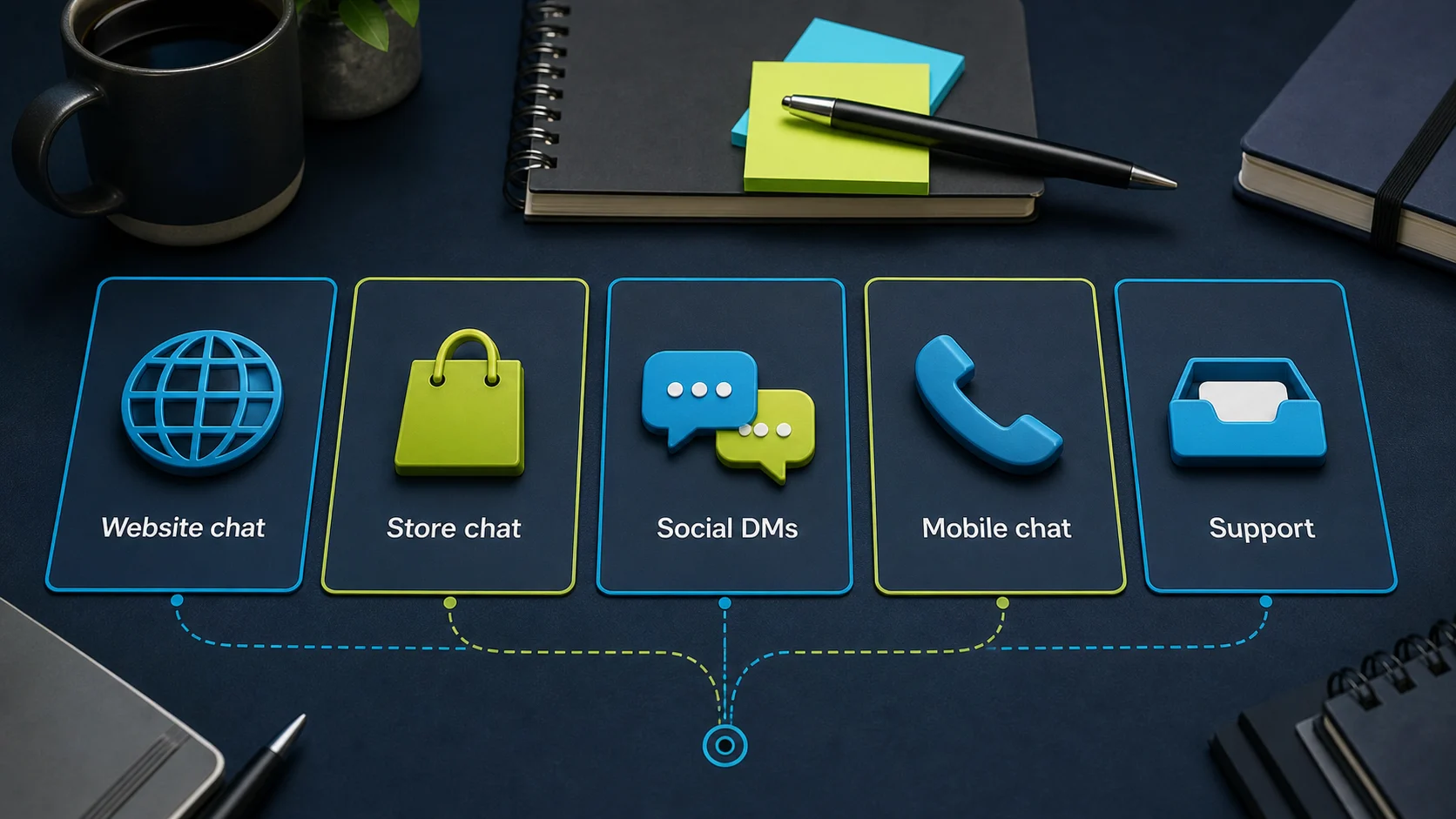
Pick by the job before you pick by the vendor. Write down the first lost conversation in plain English — missed enquiries from service pages, repeat product questions, DMs that go unanswered, support replies that pile up overnight, or quote requests that need a person. Then match the surface: a website chatbot for site pages, a social-DM tool for comments and DMs, a WhatsApp tool for WhatsApp follow-up, a support-workspace tool when tickets and team inbox matter. Only after the job and surface are clear should you compare plans, pricing units, and handoff. The [small-business chatbot plan picker](/guides/chatbot-plan-picker-small-business) walks through the same sequence.
Reviewed
The cheapest sensible start is usually a free tier or low entry plan on a tool that already matches the job, not the lowest sticker price you can find. For website answers, Chatbase has a Free tier (limited models, 50 message credits/month, one workspace member) and a Hobby plan at $32/month billed annually; FastBots and Tidio also offer entry tiers. The trap is choosing a $0–$32 plan that meters the wrong unit, then paying more in overages than the next plan up would have cost. Pick the plan that actually fits the meter your traffic will push first, even if it is not the absolute cheapest line item.
Reviewed · Sourced from Chatbase pricing page
The integration that matters most is the one that closes the loop on a real lead — usually a route from the chatbot into the inbox, CRM, or scheduling tool that your team already opens every day. A trained chatbot that captures the right details but drops them into a void rarely beats a lighter chatbot wired into HubSpot, a help inbox, or a booking link. Before you compare big integration lists, name the single downstream tool you cannot live without and check that the chatbot can write to it cleanly. The [CRM-routing guide](/guides/which-ai-chatbots-can-send-leads-to-crm) covers the safer first wiring paths.
Reviewed
The shortlist is built from official vendor docs, pricing pages, and current ChatbotEdge review evidence rather than vendor marketing copy. Tools earn a slot when their public documentation covers the small-business jobs the page is routing for — website training, lead capture, support handoff, ecommerce product help, or WhatsApp follow-up — and that evidence is rechecked against the dated source links. Hands-on test stores cover only a subset, so where a live test has not happened the page says so. Vendors do not pay to appear in the shortlist; affiliate links are disclosed on the page and the routing recommendation stays independent.
Reviewed
A small business is usually not ready when no one yet owns the inbox, the website content is out of date, or there is no agreed answer to the top three customer questions. A chatbot inherits the content and the workflow you already have; if neither is clear, the bot becomes one more channel to ignore. The smaller pre-work is cheaper than a new SaaS subscription — fix the FAQ page, name the inbox owner, and write the handoff rule for the questions that should never be answered by a bot (quotes, refunds, account changes). Then trial a chatbot against that baseline.
Reviewed