Answer
Trained site answers
Use FastBots to answer from public WordPress pages, posts, service copy, pricing notes, FAQs, policies, files, and approved manual content.- Services
- Prices
- Policies
- FAQs
WordPress lead-capture guide
Use it to answer from your site, ask better qualifying questions, collect contact details, and route the lead. Do not turn that into a final quote, booking, CRM, or WooCommerce automation claim until you have tested the exact workflow.
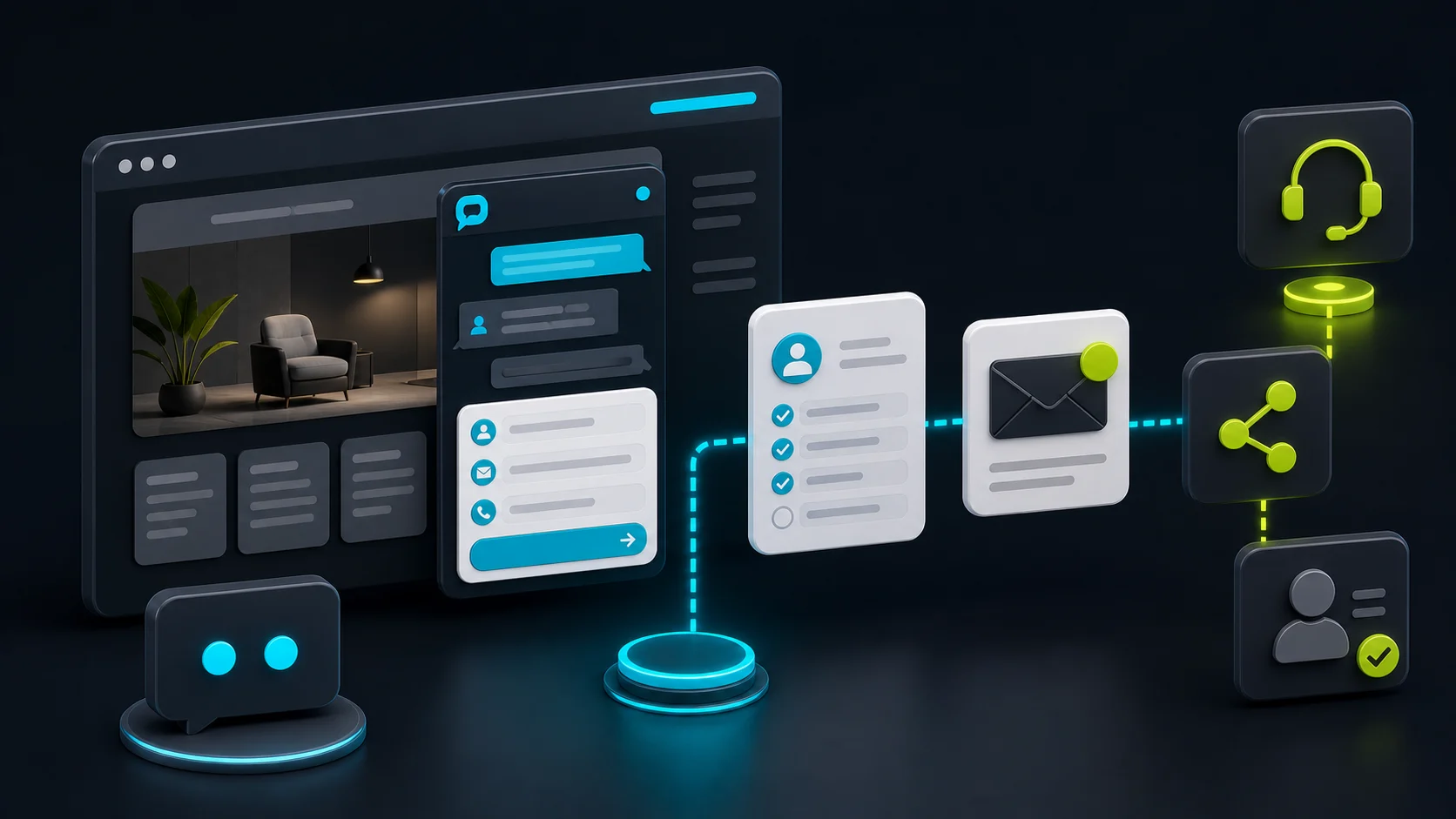
FastBots is a reasonable first check for WordPress lead capture when the business wants a trained chatbot that can answer from public site content, ask qualifying questions, collect contact details, and route a lead to email, dashboard review, Zapier, Make, or a human follow-up path.
The buying trap is assuming lead capture means the whole sales workflow is automated. The safer first version collects a clean brief and hands it to the team before final price, availability, scope, discounts, bookings, refunds, account updates, or WooCommerce actions enter the conversation.
Fit boundary
Answer
Qualify
Review
Setup path
Official FastBots pages support the plugin path, site crawling, lead capture, email notifications, Zapier or Make routing, and Business plan live chat. Your live test should prove the exact page placement, lead fields, handoff destination, and fallback wording.
WordPress lead path
Use the official plugin path or embed script details, then confirm the Source URL, Bot ID, placement, mobile behavior, and page coverage.
Start with your public domain or sitemap, then add PDFs, manual Q&A, Google Sheets, or other source material only when it is safe for visitors.
Define when the lead form appears and which questions should be asked before a visitor reaches your inbox or CRM.
Send the lead to email, dashboard review, Zapier, Make, CRM, or live chat while leaving final commitments with a human.
Buyer checklist
This list is deliberately practical. It protects you from buying a lead widget and discovering later that the real requirement was human takeover, more traffic, CRM routing, page-level control, or a safer quote boundary.
| Check | What to verify |
|---|---|
| Plugin version | WordPress.org listed FastBots 1.0.13 and a May 16, 2026 last modified date during this review. Recheck the current listing and changelog before installing on production. |
| Setup fields | Confirm the embed script Source URL and Bot ID path, then test whether the widget appears on the right pages and devices. |
| Lead fields | Write the exact fields the bot should collect: name, email, phone, company, location, budget, timeline, service need, or preferred follow-up. |
| Trigger rules | Decide when the lead form appears: after a few messages, after a quote/pricing/book intent, after an unknown answer, or only when the visitor asks. |
| Message credits | Do not treat messages as visitor conversations. FastBots pricing and plan fit depend on message allowance, bot count, model usage, and the plan tier. |
| Human takeover | Official FastBots WordPress and lead-generation pages tie live chat/human takeover to the Business plan and above. Check this before offering instant human help. |
| CRM handoff | FastBots can route leads through Zapier or Make, but treat this as post-lead routing unless you have tested a live in-chat workflow. |
| WooCommerce scope | Use it for public product, shipping, returns, policy, FAQ, and lead questions. Do not assume live WooCommerce order lookup, cart actions, or account changes. |
Plan fit
The plugin is only the delivery surface. The plan decision usually turns on message allowance, bot count, source size, lead routing, human takeover, branding, and how many visitors will ask questions.
Free
The official WordPress page currently says the free account includes 1 chatbot and 50 messages per month, so it is not a serious production-volume plan.
Essential
Paid plans currently start at $39/month in the official WordPress copy. Check message allowance, bot count, sources, integrations, and whether your handoff needs a higher plan.
Business
Official WordPress and lead-generation copy currently put live chat/human takeover on Business and above, with Business cited at $89/month in the page copy.
Premium or add-ons
Check branding removal, custom domain expectations, extra bots, extra messages, and whether a client site needs more than a simple lead widget.
What the chatbot should not decide alone
Use service pages, pricing notes, FAQs, policies, and source files that the business is comfortable showing to visitors.
Ask for contact details, need, location, budget, timing, company size, or preferred follow-up before routing the lead.
Route the transcript and fields to email, dashboard review, CRM, Zapier, Make, or a team member for follow-up.
Quotes, custom scope, discounts, urgency fees, and price exceptions should be reviewed unless a tested pricing workflow owns them.
A scheduling link is different from guaranteed availability. Confirm calendar, staffing, and service promises outside the generic bot path.
Do not assume the WordPress plugin can inspect orders, carts, payments, refunds, or customer accounts without separate proof.
Sources checked
Sources were checked on May 27, 2026. Recheck current pricing, plan limits, plugin version, changelog, live chat availability, and routing behavior before making a buying decision.
FAQ
Yes, when the job is a site-trained chatbot that answers from approved WordPress content, asks qualifying questions, collects contact details, and routes the lead. It should not be treated as a fully tested CRM, booking, quote, or WooCommerce action engine without separate proof.
Reviewed · Sourced from FastBots AI Chatbots — WordPress.org plugin page
Yes. FastBots has an official WordPress integration page and a WordPress.org plugin listing. During this review, WordPress.org listed version 1.0.13 and described setup through the FastBots embed script Source URL and Bot ID.
Reviewed
FastBots official WordPress and lead-generation pages say live chat/human takeover is available on Business and above. Recheck the current plan page before buying, because handoff is the feature that usually changes the plan fit.
Reviewed
FastBots official lead-generation copy supports lead storage, email notification, and Zapier or Make routing into tools such as CRM systems and spreadsheets. Treat that as lead routing after capture unless your exact live workflow has been tested.
Reviewed
Decision recap