Manychat
Customer conversations start in comments and DMs, not on the website.
Essential from $14/month billed annually
Monthly Active Contacts across Instagram, Messenger, and WhatsApp
Check ManychatPricing guide
Entry plans from the main small-business chatbot tools cluster between $14 and $39 a month on annual billing. The real affordability question is the pricing unit underneath — credits, conversations, contacts, or seats — and which one your traffic fits inside.
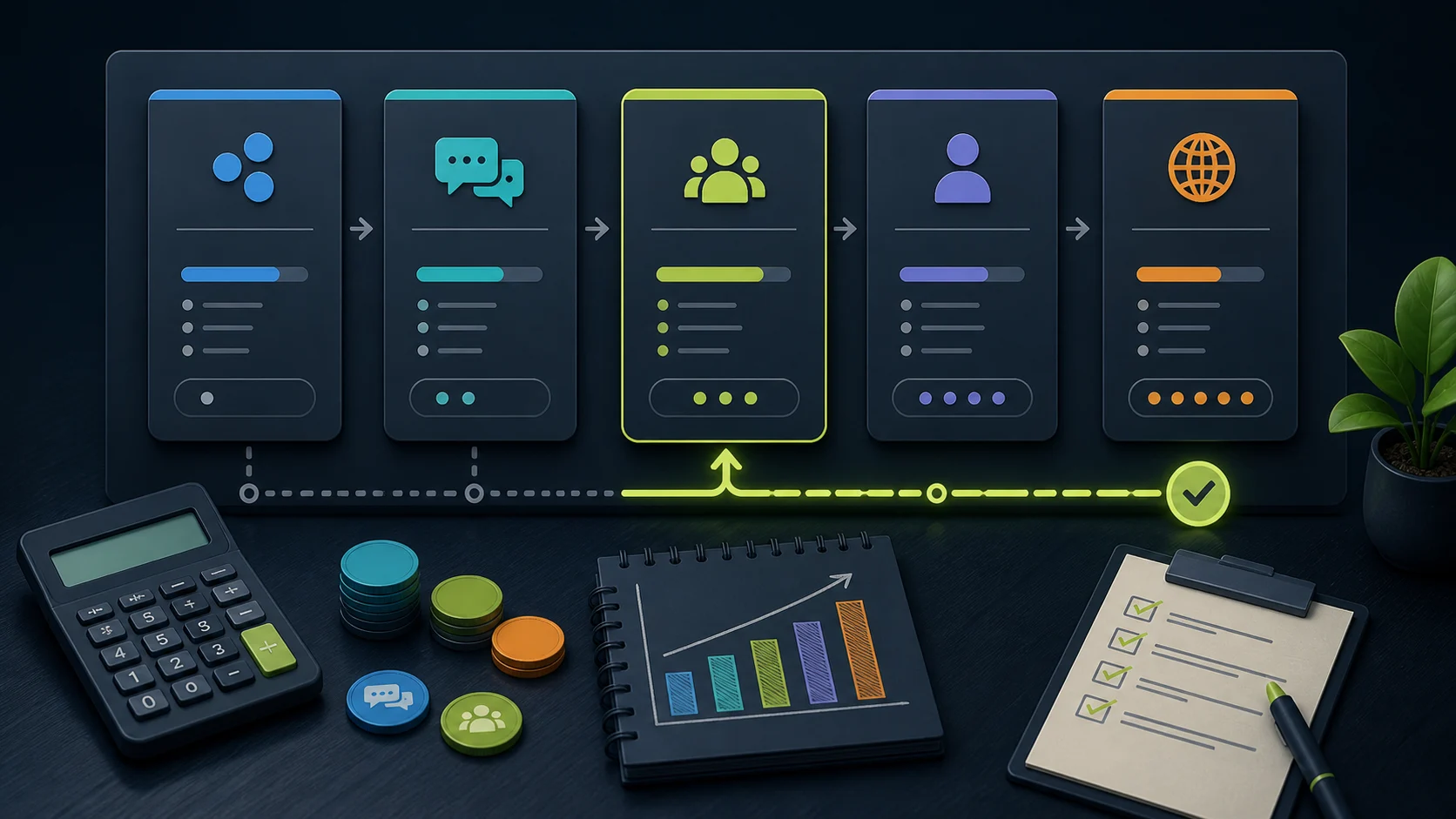
For most small businesses, an affordable chatbot means an entry plan between roughly $14 and $39 a month billed annually — not a custom enterprise quote and not a bare $0 plan you will outgrow in a week. The cheapest sensible option depends on where your customers ask questions: Manychat is the low entry point for social DMs, Tidio for a support inbox, Chatbase and FastBots for trained website answers, and ChatBot.com for designed flows priced per user. If you are starting from zero budget, read the free chatbot guide first; if you are choosing across all jobs, the small-business picks page is the wider map.
Customer conversations start in comments and DMs, not on the website.
Essential from $14/month billed annually
Monthly Active Contacts across Instagram, Messenger, and WhatsApp
Check ManychatYou want designed conversation flows and a documented WordPress path.
Essential from $19 per user/month billed annually
Per-user seats plus AI resolutions and API-call allowances
Check ChatBot.comSomeone on the team handles support and needs AI plus a live-chat inbox.
Starter from $24.17/month billed annually
Billable conversations, with Lyro AI conversations metered separately
Check TidioThe bot must answer carefully from your pages, documents, and policies.
Hobby from $32/month billed annually
Message credits, AI agents, source limits, and actions
Check ChatbaseA small website needs trained answers and lead capture without a support desk.
Essential at $39/month, or $33/month billed annually
Message credits (advanced models burn 5-10 credits per reply)
Check FastBotsPrices shown are annual-billing entry points from each vendor's pricing page at our last review; monthly billing usually costs more, and allowances change. Wati is priced by subscription plus WhatsApp messaging fees, so it does not reduce to one entry number — see the Wati WhatsApp guide if that is your channel.
Two $30 plans can behave completely differently: one meters message credits, another bills conversations, a third counts contacts or seats.
Model your busiest month against the plan's actual unit before comparing prices.
Some tools charge several credits per reply when the bot uses a stronger AI model, so the same traffic costs multiples more.
Check the credit cost per reply for the model you would actually run.
A $19/user plan is cheap for one person and triples the moment three people need inbox access.
Count who genuinely needs a seat before comparing per-user tools against flat-price tools.
Most advertised entry prices assume annual billing; monthly billing typically runs meaningfully higher.
Compare the billing period you would really choose, and recheck the vendor's pricing page before paying.
For the deeper version of each trap, read the pricing traps guide and the message credits vs conversations explainer, or see every tracked price and meter in the Chatbot Pricing Index. If the workflow is clear but the tier is not, the plan picker walks the same decision interactively.
Pricing snapshot
Website AI chatbot
Monthly: $39/mo
Includes: 2,000 message credits/mo across 2 bots; standard replies use 1 credit.
Trainable website chatbot
Includes: 500 message credits/mo, 1 AI agent, and 5 AI Actions/agent.
Website chat and support
Includes: 100 billable conversations/mo; Lyro AI is separate, with the first 50 conversations lifetime free.
AI support workspace
Monthly: $25/user/mo
Includes: 1 AI agent, 10 AI resolutions/mo, and 10,000 API calls.
FAQ
Across the main small-business tools, entry paid plans cluster between roughly $14 and $39 per month on annual billing: Manychat Essential from $14/month, ChatBot.com Essential from $19 per user/month, Tidio Starter from $24.17/month, Chatbase Hobby from $32/month, and FastBots Essential from $33/month annually. The sticker is the smaller question; the meter is the bigger one. Two plans at the same price can behave very differently once you compare message credits, billable conversations, contacts, or per-user seats against your actual traffic. Budget for the plan whose meter your busiest month would fit inside, and recheck vendor pricing pages before buying because these numbers drift.
Reviewed
The cheapest sensible start is usually a free tier or low entry plan on a tool that already matches the job, not the lowest sticker price you can find. For website answers, Chatbase has a Free tier (limited models, 50 message credits/month, one workspace member) and a Hobby plan at $32/month billed annually; FastBots and Tidio also offer entry tiers. The trap is choosing a $0–$32 plan that meters the wrong unit, then paying more in overages than the next plan up would have cost. Pick the plan that actually fits the meter your traffic will push first, even if it is not the absolute cheapest line item.
Reviewed · Sourced from Chatbase pricing page
A free plan is usually good enough to prove the concept and rarely good enough to run on. Free tiers from tools like FastBots , Chatbase , and Manychat are real working chatbots, but the allowances are sized for testing: low message or contact limits, fewer training sources, limited team access, and in some cases inactive bots being removed. Use the free plan to test answer quality on your real pages and your real customer questions. If the bot earns its keep — fewer missed enquiries, fewer repeat questions — the entry paid tiers start around $14-$39/month annually, which is cheap against even one recovered lead for most service businesses.
Reviewed
Pick by the job before you pick by the vendor. Write down the first lost conversation in plain English — missed enquiries from service pages, repeat product questions, DMs that go unanswered, support replies that pile up overnight, or quote requests that need a person. Then match the surface: a website chatbot for site pages, a social-DM tool for comments and DMs, a WhatsApp tool for WhatsApp follow-up, a support-workspace tool when tickets and team inbox matter. Only after the job and surface are clear should you compare plans, pricing units, and handoff. The [small-business chatbot plan picker](/guides/chatbot-plan-picker-small-business) walks through the same sequence.
Reviewed