Name the job before the tool
Website answers, source control, quote intake, live chat, and support-workspace automation hit different pricing meters.
Job-Meter-Next-Proof
Start with the workflow and the next usage meter. The right plan depends on whether you need website answers, source control, lead intake, live chat, or a support workspace.
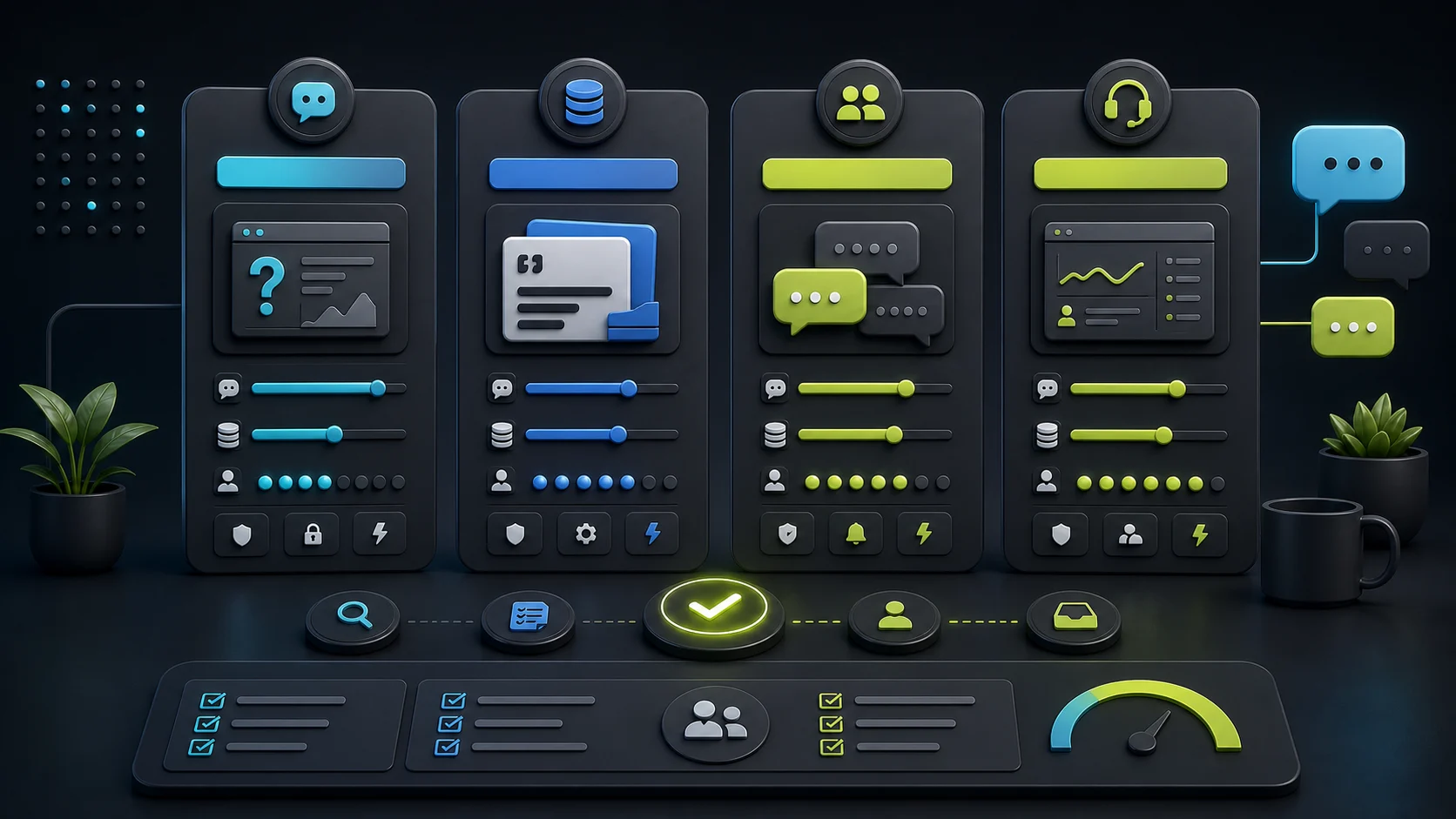
Do not pick an AI chatbot by the cheapest signup price. Pick by the Job-Meter-Next-Proof Test: name the job, find the first meter that will grow, price the next tier, and prove the workflow before you rely on it. A website FAQ bot usually starts with message credits and source limits. A support workflow usually starts with conversations, AI resolutions, seats, and handoff.
Start with FastBots Essential for simple website answers and modest volume. Inspect Chatbase Hobby when controlled sources and files matter. Use Tidio Starter or Growth when live chat and support workflow matter. Consider ChatBot.com Essential or Growth when you are buying a per-user AI support workspace.
If pricing anxiety is the main issue, read the companion guides on AI chatbot pricing traps and AI chatbot scaling costs before you commit.
If the open question is whether the chatbot can collect a useful brief or send it to a CRM, check lead capture and CRM lead routing before comparing plan tiers.
Job-Meter-Next-Proof
Website answers, source control, quote intake, live chat, and support-workspace automation hit different pricing meters.
Check message credits, AI resolutions, billable conversations, seats, agents, source size, handoff, and actions.
A good starter plan is one where the next upgrade still makes sense when traffic, support load, or team access grows.
Use official docs for planning, then test the exact workflow before relying on quote promises, account actions, or support handoff.
Worked example
This is a planning example, not a live billing test. The owner wants fewer repeat questions and cleaner trial-class enquiries, so the first plan check should focus on website answers, source pages, and lead intake before live chat or CRM automation.
| Decision | Harbor Yoga planning example |
|---|---|
| Business job | Answer class, membership, parking, and first-visit questions; collect trial-class enquiries. |
| First meter to inspect | Message credits plus source pages, because the owner mostly needs public website answers. |
| First plan check | Inspect FastBots Essential first; inspect Chatbase Hobby if class policies, PDFs, or controlled files are the real source problem. |
| Upgrade trigger | Move up only when reply volume, source size, handoff, or multiple staff accounts become the limiting meter. |
| Proof before upgrade | Run one month with the real FAQ, source pages, and lead-intake form before buying for live chat, CRM writes, or order/account actions. |
Pricing snapshot
Website AI chatbot
Monthly: $39/mo
Includes: 2,000 message credits/mo across 2 bots; standard replies use 1 credit.
Trainable website chatbot
Includes: 500 message credits/mo, 1 AI agent, and 5 AI Actions/agent.
Website chat and support
Includes: 100 billable conversations/mo; Lyro AI is separate, with the first 50 conversations lifetime free.
AI support workspace
Monthly: $25/user/mo
Includes: 1 AI agent, 10 AI resolutions/mo, and 10,000 API calls.
If you need to unpack the units first, read the guide to message credits vs conversations before choosing a plan.
Job picker
This table is the practical shortlist. It is not a hands-on billing test, and it is not a permanent price table. It is a dated planning guide for what to inspect next.
| Small-business job | First plan to inspect | Why | Upgrade check |
|---|---|---|---|
| Website FAQ and basic lead intake | FastBots Essential | It is the cleanest starting point when the job is trained public-site answers and modest message volume. | Move toward FastBots Business when human takeover, more bots, or more message credits become the real requirement. |
| Source-controlled answers from pages, files, or docs | Chatbase Hobby | It fits buyers who care about controlled sources, one AI agent, and a small team before broader workflow depth. | Check Standard when API access, auto retrain, more actions, more source size, or more message credits matter. |
| Quote or lead intake | FastBots or Chatbase | Use the chatbot to collect context and share pricing only from approved sources, live data, or tested calculator actions. | If the lead needs a live person, CRM write, custom action, or strict review flow, price that workflow before choosing. |
| Live chat and human support handoff | Tidio Starter or Growth | Tidio is a support and live-chat workspace, so its plan fit depends on conversations, Lyro AI, Flows, and team workflow. | Check Growth, Plus, or Premium/custom when billable conversations, Lyro volume, automation reach, or advanced support features grow. |
| AI support workspace | ChatBot.com Essential | ChatBot.com is better modeled as a per-user support platform with AI agents, AI resolutions, inbox, tickets, and workflows. | Check Growth when more users, AI agents, AI resolutions, reporting, campaigns, or workflows are the real job. |
| Agency or consultant serving clients | FastBots Business or Premium | Client work often creates pressure around bot count, team members, domains, branding, handoff, and repeatable setup. | Price one client and five clients separately. Watch branding removal, extra bots, custom domains, and client workspace expectations. |
| Ecommerce order-status curiosity | Do not start with plan price | Public product answers are different from order lookup, account-specific actions, refunds, discounts, or cart changes. | Separate product Q&A from customer-specific actions, then verify official docs and hands-on proof before buying for order workflows. |
Plan checks
These plan notes use official pricing output checked on June 1, 2026. Treat them as buyer checks, not as evergreen plan guarantees.
Plan fit
Best first stop for small sites that need trained website answers, files, WordPress-friendly setup, and a clear message-credit model.
Next plan check
Business is the plan to inspect when human takeover, more bots, and higher message allowance become necessary.
Before choosing: Essential showed 2,000 message credits/month. Standard models can use one credit per reply; advanced models can use more.
Check FastBotsPlan fit
Best first stop when controlled sources, files, website content, Q&A, and a source-heavy AI agent are the reason you are buying.
Next plan check
Standard is the plan to inspect when auto retrain, API access, more enabled AI Actions, more source size, and more credits matter.
Before choosing: The official annual-view pricing table showed Hobby at $32/month and Standard at $120/month, with higher source and action limits on Standard.
Check Chatbase pricingPlan fit
Best first stop when live chat, ticketing, visitor support, Lyro AI, and human handoff are part of the buyer job.
Next plan check
Growth is the plan to inspect when the support team needs more billable conversations and smarter support workflow features.
Before choosing: The official annual pricing table showed Starter with 100 billable conversations and Growth starting from 250; larger quotas point toward Plus, Premium, or custom.
Check Tidio pricingPlan fit
Best first stop when you are buying a support workspace and need to model users, AI agents, AI resolutions, inbox, tickets, and workflows.
Next plan check
Growth is the plan to inspect when the team needs more AI agents, more AI resolutions, more workflows, reporting, or campaigns.
Before choosing: Essential showed per-user pricing with 1 AI agent and 10 included AI resolutions/month; Growth showed 10 AI agents and 200 included AI resolutions/month.
Check ChatBot.comPlan layers
Entry plan
Growth plan
Custom or agency
Shortlist
Start simple
Website FAQ and lead intake
Start here if
Small sites that mostly need approved public-site answers, source content, contact capture, and a WordPress-friendly path.Before you choose
Message credits, model credit burn, bot count, human takeover, branding removal, and client-facing polish.Source heavy
Source-controlled answer agent
Start here if
Teams with help docs, files, Notion, Q&A, web pages, actions, and source-management needs beyond a light FAQ widget.Before you choose
Message credits, AI agents, source size, workspace seats, AI Actions, auto retrain, API access, and integrations.Handoff first
Live chat and support workflow
Start here if
Support teams that want live chat, tickets, Lyro AI, Flows, handoff, and a broader customer-service workspace.Before you choose
Billable conversations, Lyro AI conversations, Flows visitors reached, seats, Plus/Premium thresholds, and ecommerce proof.Team support
Per-user AI support workspace
Start here if
Teams comparing AI agent, LiveChat/Text workspace, tickets, workflows, campaigns, and support automation in one environment.Before you choose
Users, AI agents, included AI resolutions, automatic resolution packages, workflow rules, API calls, and support-workspace scope.Buyer checklist
The right plan is the one where the next stage is still affordable and the workflow does not require untested automation.
How many visitor questions or bot replies do you expect each month?
Does the plan meter message credits, AI resolutions, billable conversations, seats, or several at once?
How much source content, file content, or website content needs to be trained?
How many owners, staff, contractors, or clients need access?
Does the workflow need human takeover, live chat, tickets, or a support inbox?
Does the bot only answer questions, or does it need actions, API access, CRM writes, or account changes?
What happens when credits, resolutions, or conversations run out?
Can you downgrade, cap usage, or move the workflow if the cost curve is wrong?
Related guides
FAQ
Start with the lowest plan that proves the job you actually need. For public website answers, FastBots Essential or Chatbase Hobby are usually the first plans to inspect. For live chat support, inspect Tidio Starter or Growth. For a per-user support workspace, inspect ChatBot.com Essential.
Reviewed
Choose the cheapest plan only if the next usage meter still works for your business. A low signup price can become the wrong choice when message credits, AI resolutions, billable conversations, seats, source size, human handoff, or actions grow.
Reviewed
The most important pricing unit depends on the job. Website-answer tools often start with message credits and source limits. Support platforms can depend on billable conversations, Lyro AI conversations, AI resolutions, users, seats, and workflow allowances.
Reviewed
For a website FAQ bot, start with the meter that runs out first, which is usually message credits and source size. A trained website-answer tool with a manageable page count and standard model choice tends to fit a credit-and-source plan more cleanly than a per-seat support workspace. Our view is that handoff, billable conversations, and AI resolutions matter only when the bot routes leads to a person or counts solved support cases. Estimate replies per month and total source pages, then pick the lowest plan that covers both. Test for at least one month before scaling up.
Reviewed
For a support team, the picker is closer to a workspace than a website widget. Map seats first, then expected human-handled threads, then AI-handled chats or AI-resolved cases, then handoff and ticketing rules. Our view is that comparing a per-seat support workspace to a credit-only website plan misreads the workload because the support meter grows through people and outcomes, not raw chat volume. Pick the lowest tier that includes the workflow the team needs on day one, then upgrade only when usage or seats prove the next tier is justified.
Reviewed
Decision recap
Sources checked
This guide checks official plan and product pages. Treat the plan suggestions as pricing-page guidance, not proof from a live plan purchase, billing test, support-workflow simulation, or hands-on setup for the plans named here.