
Auto repair buyer guide

Best AI chatbot for auto repair shops: capture service requests safely.

An auto repair chatbot should collect cleaner vehicle and service details and can share approved menu prices or calculator output when tested. It should not diagnose the vehicle, invent a repair price, confirm a bay, or write to the shop system until the workflow is proven.

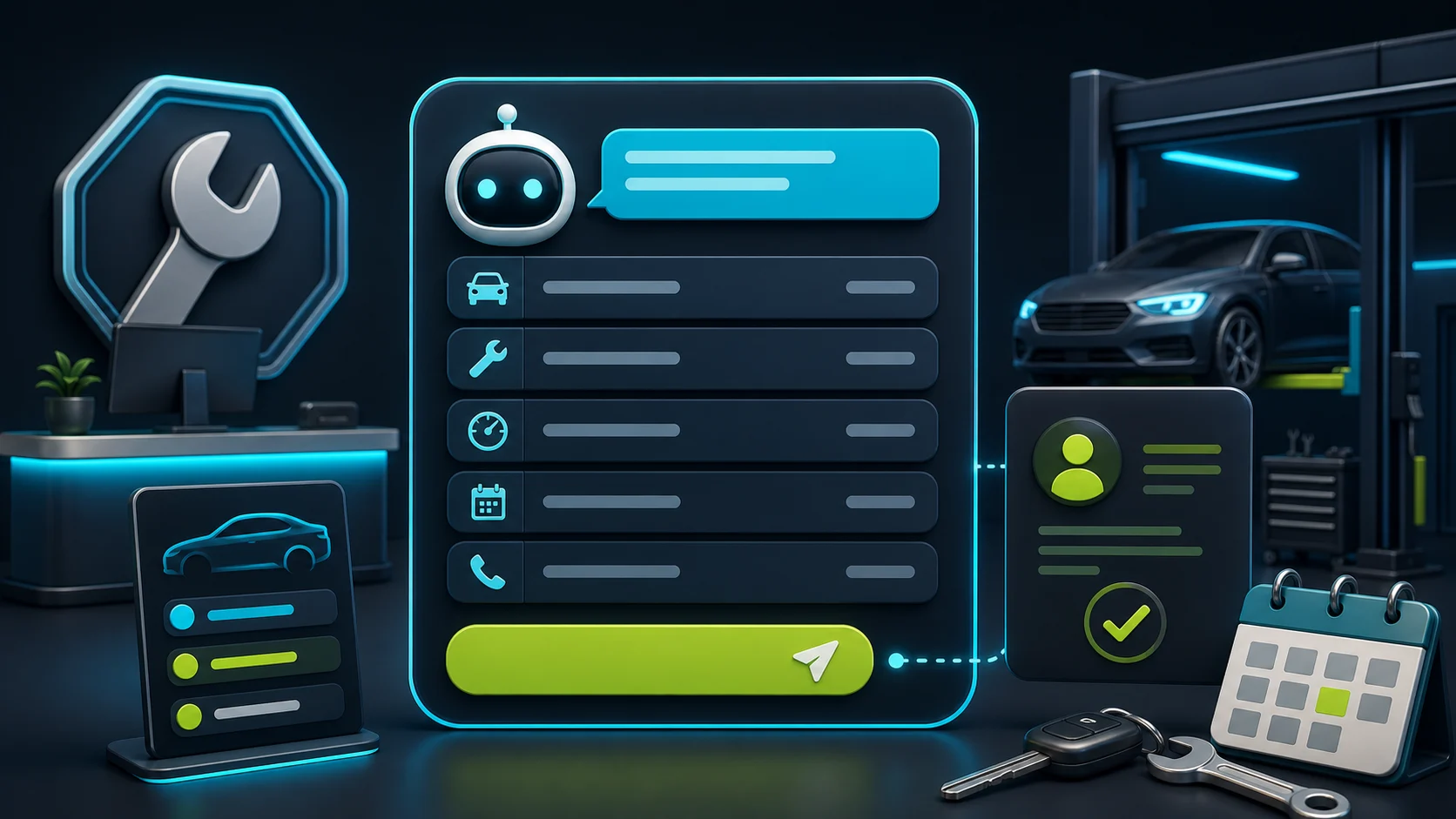
Editorial illustration of an auto repair chatbot collecting vehicle details, issue summary, urgency, preferred visit time, and service-advisor handoff.

The job in plain English

Collect the service request before the phone rings again.

The visitor asks about a service, warning light, tire issue, quote, or appointment window. The chatbot gathers the brief and routes it safely.

Ask for these details first

Vehicle
Year, make, model
Issue
Symptom or service request
Urgency
Tow-in, warning light, preferred time
Handoff
Service advisor or front desk

Let the bot help with

Cleaner repair enquiries without turning the chatbot into a service advisor or shop-management system.

Needs rules or review

No diagnosis, safety advice, AI-invented final quote, confirmed appointment, tire fitment, repair order, POS write, or shop-system sync.

Short answer

Start with FastBots if the shop wants a straightforward site-trained assistant for service FAQs and repair-request intake. Look at Chatbase if controlled answers from approved service, warranty, financing, and policy pages are the main risk. Choose Tidio when a service advisor needs live chat, tickets, and inbox handoff. Consider ChatBot.com when the shop wants designed intake flows and a broader support workspace.

The first win is not a bot that diagnoses the car, recommends tires, quotes the repair, or writes to Tekmetric, Shop-Ware, Mitchell 1, or another shop system. It is fewer missed enquiries and better lead briefs: customer contact, vehicle details, issue summary, urgency, preferred visit time, photos or description, and a safe callback or booking-link handoff.

For pricing boundaries, use the AI chatbot quote-request guide. For calendar language, use the appointment-booking chatbot guide. For handoff rules before a person takes over, use the human handoff guide.

Keep the chatbot as intake and routing. Diagnosis, safety advice, model-made repair pricing, tire fitment, bay availability, repair orders, invoices, payments, shop-management writes, and final appointment confirmation should stay with a service advisor or a tested shop workflow.

Pricing snapshot

What the active shortlist costs before you trial it.

Auto repair shops should compare the pricing unit that runs out first: message credits, conversations, AI conversations, AI resolutions, seats, and handoff needs.
Current as of 2026-05-27

FastBots

Website AI chatbot

Entry paid $33/mo annually Essential plan

Monthly: $39/mo

Includes: 2,000 message credits/mo across 2 bots; standard replies use 1 credit.

Range
$0 to $399/mo; main paid plans run $39-$199/mo
Cost driver
Message credits (1 standard reply = 1 credit; advanced models use 5-10), chatbot count, handoff, and branding gates

Check vendor pricing

Chatbase

Trainable website chatbot

Entry paid $32/mo annually Hobby plan

Includes: 500 message credits/mo, 1 AI agent, and 5 AI Actions/agent.

Range
$0 to $400/mo annually; Enterprise is custom
Cost driver
Message credits, AI agents, source limits, actions, seats, and add-ons
Check vendor pricing

Tidio

Website chat and support

Entry paid $24.17/mo Starter plan

Includes: 100 billable conversations/mo; Lyro AI is separate, with the first 50 conversations lifetime free.

Range
$24.17/mo Starter to $749/mo Plus; Premium is custom
Cost driver
Billable conversations, Lyro AI conversations, Flows visitors reached, and seats
Check vendor pricing

ChatBot.com

AI support workspace

Entry paid $19/user/mo Essential plan

Monthly: $25/user/mo

Includes: 1 AI agent, 10+ AI resolutions/mo, and 10,000+ API calls.

Range
$19-$79/user/mo annually; Enterprise is custom
Cost driver
Per-user pricing plus included AI agents, AI resolutions, API calls, and workflow allowances
Check vendor pricing

Auto repair workflow

The bot should make the callback easier.

A useful auto repair chatbot is an intake and routing layer, not a technician, tire fitter, estimator, calendar owner, payment terminal, repair-order writer, or shop-management system. It should separate routine service requests from questions that need a service advisor.

What matters most

What matters for auto repair shops

A quick read on what matters for this buying decision.
Missed-call intake Core job
Vehicle details Lead quality
Quote requests Boundary
Appointment request Handoff
Human handoff Service advisor
Diagnosis or final quote Human review

Where it helps

Where a chatbot helps, and where it should stop.

This shows where a chatbot can help on an auto repair website, and where a person still needs to stay close. Missed-call intake, approved FAQs, vehicle details, and service-advisor handoff are good places to start; diagnosis, pricing, appointments, POS, and shop-system writes need clearer proof.

Missed-call capture

Strong

Best first use

Vehicle intake

Strong

Useful fields

Approved FAQs

Strong

Source-backed

Service-advisor handoff

Strong

Required for risk

Booking link

Useful

Test first

Shop-system writes

Careful

Proof needed

Diagnosis

Careful

Do not automate

Choose the right layer

Website chatbot, AI receptionist, or shop system?

Auto repair AI marketing often blends these jobs together. Keep the layers separate before choosing a tool.
01

Website layer

Website chatbot

Best for service questions, hours, location, warranty or financing FAQs, vehicle details, issue summaries, and callback routing.
  • Service FAQs
  • Vehicle intake
  • Quote request
  • Callback path
02

Reception layer

AI receptionist or inbox

Better when the real problem is missed calls, after-hours answering, SMS follow-up, or service-advisor triage.
  • Phone answering
  • SMS follow-up
  • Urgent routing
03

Ops layer

Shop-management system

Needed when the workflow touches confirmed appointments, repair orders, estimates, bay availability, technician assignment, POS, invoices, payments, parts, or tire fitment.
  • Repair orders
  • Estimates
  • Calendar
  • POS

Shortlist

Which tool should you check first?

These are current ChatbotEdge-reviewed tools that can fit auto repair website-chatbot work. Specialist AI receptionists or shop-management platforms may be better if the real problem is phone answering, confirmed scheduling, repair orders, estimates, POS, payments, or tire fitment.

Lead capture

FastBots

Simple repair-request intake

Start here if

Auto repair shops that want a simple site-trained assistant for service FAQs, hours, location, warranty or financing pages, contact capture, vehicle details, issue summaries, and callback routing.

Before you choose

FastBots is best treated as website lead intake and handoff. Do not turn lead qualification, scheduling-link language, Zapier or Make handoff, or live chat into a claim of vehicle diagnosis, final repair quote, tire fitment, confirmed appointment, repair-order creation, shop-system sync, or payment handling.
Check FastBots

Source control

Chatbase

Source plus actions to inspect

Start here if

Repair shops that want controlled answers from approved service, warranty, financing, location, and policy pages, plus configurable actions to inspect carefully.

Before you choose

Chatbase can support source-controlled answers and action workflows, but an auto-repair calendar, estimate, POS, shop-management, parts, or tire workflow still needs configuration and live proof before it is trusted.
Check Chatbase

Handoff

Tidio

Inbox and handoff workflow

Start here if

Teams that want AI plus live chat, tickets, operating-hours behavior, and a shared inbox for a service advisor or front desk to manage repair enquiries.

Before you choose

Tidio is safer to frame as inbox and booking-link handoff unless the exact auto-repair scheduling workflow is tested. Keep diagnosis, quote, tire, POS, and shop-management actions outside the chatbot.
Check Tidio

Flow design

ChatBot.com

Designed flow capture

Start here if

Larger shops or multi-location teams that want designed intake flows, saved attributes, lead lists, LiveChat transfer, and a broader support workspace.

Before you choose

Designed flows can collect cleaner vehicle and issue details, but they are not proof of native auto repair booking, tire fitment, repair estimates, POS, payment, or shop-management automation.
Check ChatBot.com

Service intake flow

From repair enquiry to useful service-advisor brief.

The practical goal is simple: collect enough context to help the shop respond faster, then stop before the chatbot becomes a technician, estimator, calendar owner, payment terminal, or shop-management system.
01 Visitor asks

A repair or service enquiry lands

The visitor asks about a noise, warning light, maintenance service, tire issue, inspection, quote, or preferred appointment window.

02 Bot collects

Capture the vehicle and issue brief

Ask for contact details, year/make/model, mileage if known, issue summary, urgency, location, and preferred callback or visit time.

03 Boundary check

Keep diagnosis and commitments human

The chatbot can answer from approved service, policy, and pricing pages or a tested calculator action, but diagnosis, safety advice, model-made final quotes, tire fitment, bay availability, and shop-system writes need proof.

04 Handoff

Route to a service advisor

The service advisor, owner, front desk, inbox, or tested booking workflow gets a cleaner request before any final quote, appointment, payment, or repair order is created.

What the chatbot should collect

The questions that make the callback cleaner.

Maintenance or service request

The visitor asks about an oil change, inspection, brakes, tires, battery, fluids, alignment, AC, or scheduled maintenance.

Collect contact details, vehicle year/make/model, mileage if known, preferred window, location, and callback route. Use approved menu prices or tested calculator output only when available, and keep availability and final price with the shop.

Warning light or strange noise

The visitor mentions a check-engine light, noise, vibration, overheating, smell, leak, or dashboard warning.

Collect the symptom as context and route to a service advisor. Do not diagnose, say whether the car is safe to drive, or prescribe repairs.

Quote request

The visitor wants a repair estimate, tire price, service price, financing option, warranty answer, or second opinion.

Collect vehicle and issue details, show only approved ranges, menu pricing, calculator output, or policy copy if the shop has them, and hand off final quote and warranty decisions.

Appointment or drop-off request

The visitor wants a booking, preferred time, loaner, tow-in, after-hours drop-off, or urgent same-day slot.

Share an approved booking link or collect a request for the service advisor. Do not confirm availability, bay time, technician assignment, or repair order creation without a tested workflow.

Shop policy or FAQ

The visitor asks about hours, location, services offered, towing, inspections, warranty, financing, payment methods, or what to bring.

Answer from approved website and policy copy. Stop before account, invoice, payment, tire, parts, diagnostic, or safety-specific promises.

Setup checklist

Set the rules before the next busy service day.

Define the intake fields: name, phone, email if useful, year/make/model, mileage if known, issue summary, warning lights, urgency, preferred visit time, location, photos or description, and callback path.

Write approved wording for hours, services, maintenance menus, inspection process, towing, after-hours drop-off, warranty, financing, quote ranges, and when a service advisor must take over.

Add service pages, policy pages, booking instructions, location pages, warranty and financing notes, FAQs, and pricing-range caveats as chatbot sources.

Tell the chatbot to collect context, use approved pricing sources or tested calculator output when available, and route the request. It should not diagnose the vehicle, decide whether it is safe to drive, invent a repair quote, recommend tires, or create repair orders.

Send transcripts to the service advisor, owner, front desk, inbox, CRM, or approved booking owner before any appointment, payment, estimate, POS, or shop-system action.

Test normal maintenance requests, urgent symptoms, no availability, tow-in questions, price-sensitive requests, tire questions, warranty questions, and handoff failures before expanding automation.

Where automation needs guardrails

Good first uses, and what needs rules or review.

The safest auto repair chatbot gathers details and answers from approved shop copy, menu prices, or tested calculator output. It should not decide diagnosis, model-made price, vehicle safety, tire fitment, appointment confirmation, repair orders, POS, or payment actions.

Good first uses

Collect service-request details

Ask for contact details, vehicle year/make/model, mileage if known, issue summary, warning lights, urgency, preferred visit time, and callback route.

Answer approved shop FAQs

Use service pages, hours, location, towing instructions, maintenance menus, warranty policy, financing copy, and approved booking instructions.

Route risky cases

Send urgent, safety, diagnosis, quote, tire-fitment, warranty, payment, parts, or shop-system requests to the approved human path.

Needs rules or review

Diagnosis and safety

Warning lights, noises, overheating, leaks, brake issues, tire safety, drivability, and whether the customer should keep driving need a service advisor or technician.

Pricing and appointment commitments

Final quotes, repair estimates, discounts, labor hours, parts availability, tire fitment, appointment confirmation, bay time, and technician assignment need proof and review. Posted menu prices or tested calculators are different from model-made repair pricing.

Shop systems and payments

Repair orders, POS, invoices, payments, refunds, warranty records, customer records, shop-management sync, and accounting updates need tested workflows.

Do not automate first

  • Vehicle diagnosis, safety advice, check-engine interpretation, drivability decisions, or repair instructions.
  • AI-invented final quotes, discounts, repair estimates, labor hours, tire fitment, parts availability, or warranty decisions without human approval.
  • Confirmed appointments, bay availability, technician assignment, tow-in timing, after-hours drop-off commitments, or repair-order creation without a tested workflow.
  • Tekmetric, Shop-Ware, Mitchell 1, ShopKey, TireConnect, Jobber, Housecall Pro, calendar, POS, invoice, estimate, accounting, parts, or payment writes unless the integration is official, tested, permissioned, and reversible.
  • Payment capture, refunds, invoice updates, customer-record edits, authorization-to-work decisions, or financing promises.

Specialist tools

When a website chatbot is not enough.

If the real problem is phone answering, SMS follow-up, confirmed appointments, repair orders, estimates, tire fitment, bay availability, parts, invoices, payments, or shop-management sync, a website chatbot may only solve part of it.

For this guide, we kept the shortlist to tools ChatbotEdge can describe from official sources. We do not claim those tools are native auto-repair dispatch, diagnosis, tire, estimate, POS, payment, or shop-management systems.

A practical split: use a website chatbot to capture and qualify the enquiry; use a specialist phone, booking, or shop-management layer when you need confirmed scheduling, repair orders, payments, estimates, tire-fitment data, parts workflows, or POS/accounting writes.

Sources checked

What this guide is based on.

Product details change. Check the current vendor docs before giving a chatbot permission to diagnose vehicles, quote repairs, confirm appointments, recommend tires, write repair orders, collect payments, or change customer or shop records.