Map the inbox owner
Customers already message you
Use Wati as a first check when WhatsApp is where customers already ask about prices, bookings, delivery, products, or support.
WhatsApp lead capture
Wati is worth checking when buyers already message your business, ads send people into WhatsApp, or your team needs one shared place to qualify, route, and follow up.
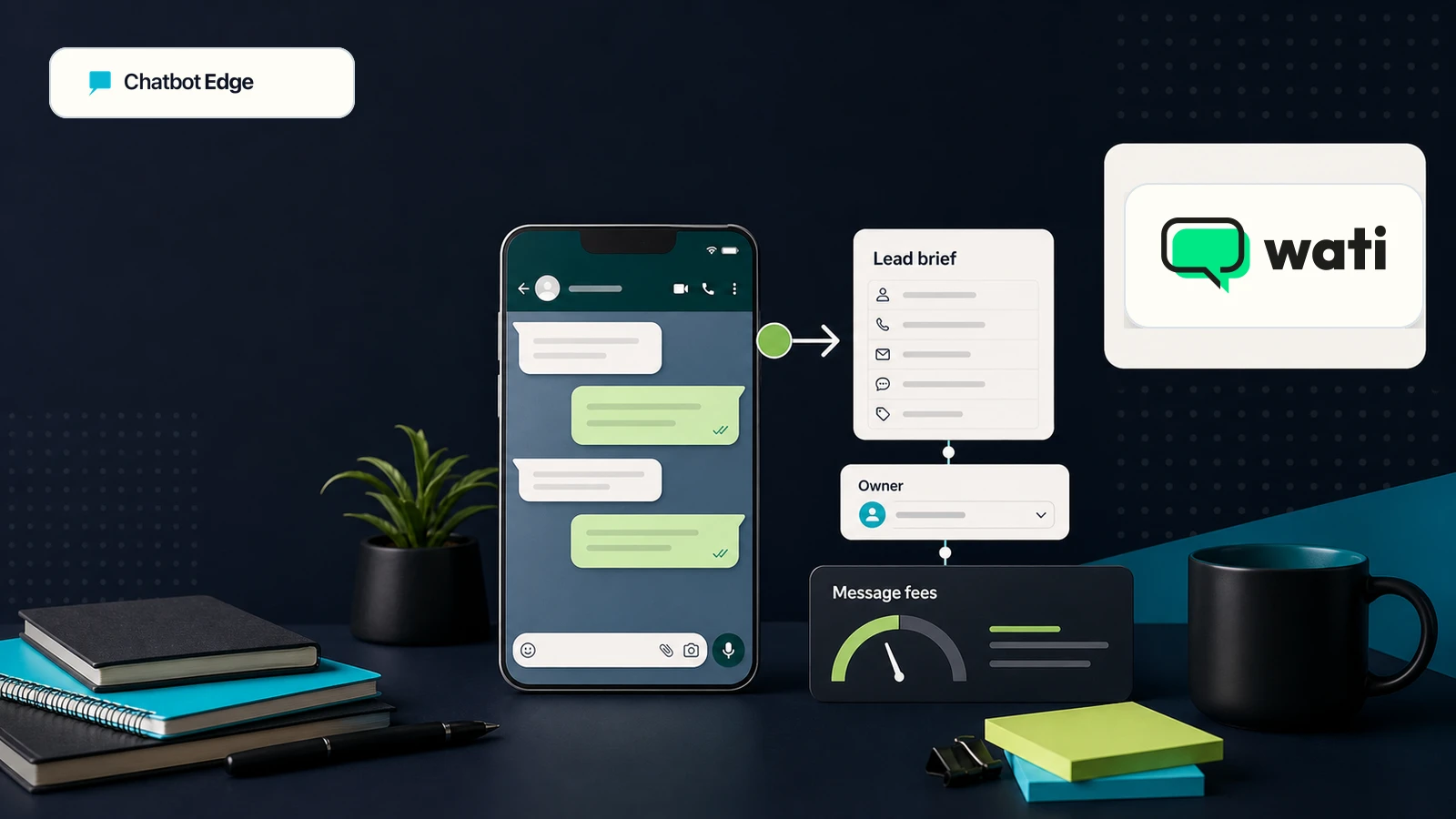
Check Wati when the customer journey starts inside WhatsApp, and the team needs lead capture, shared inbox ownership, chatbot automation, customer context, and human handoff in one place.
Do not choose it just because you want "an AI chatbot." If the buyer is on your website asking about services, products, pricing, policies, or help docs, start with a website chatbot first. If the buyer starts under an Instagram post or in DMs, compare the social-DM path before you commit to a WhatsApp-first setup.
Free prompt builder
Use the prompt builder to define the first question, lead fields, owner route, and human fallback before you connect a messaging channel to sales follow-up.
Reader fit
The useful first question is not whether WhatsApp is popular. It is whether your team can respond, qualify, assign, and follow up inside the channel without losing the lead or making promises the workflow cannot keep.
Map the inbox owner
Use Wati as a first check when WhatsApp is where customers already ask about prices, bookings, delivery, products, or support.
Track the entry point
Use Wati as a first check when Click-to-WhatsApp ads, website widgets, or social comments are meant to become follow-up conversations.
Test the handoff
Use Wati as a first check when each chat needs an owner, notes, conversation history, customer context, and a clear next step.
First setup
Keep the first version small enough to audit. A simple lead path that reaches the right person is more valuable than a broad automation setup nobody checks.
Step 1
Start with one source: a WhatsApp website widget, a Click-to-WhatsApp ad, Instagram or Facebook comments, or an existing WhatsApp number. Do not launch every channel at once.
Step 2
Ask for name, need, location or order context, urgency, and the best human follow-up path only when the team will actually use those fields.
Step 3
Make sure the lead lands with the right owner in the shared inbox or customer record before adding retargeting, broadcasts, payments, or deeper workflow actions.
Step 4
Wati separates subscription, messaging fees, and optional add-ons. Message rates can vary by country, message type, and Meta pricing changes.
Situation
First check
Wati
The job is managing messaging-channel leads, shared inbox ownership, customer records, and WhatsApp automation.
Situation
First check
Manychat or Wati, depending on where the conversation should move
Manychat is the broader social-DM first check. Wati is the better first check when WhatsApp is the business channel your team needs to manage.
Situation
First check
Website chatbot
Start with a website chatbot when the answer needs to come from site pages, docs, products, policies, or a web widget.
If the choice is really between Instagram comments/DMs and WhatsApp-first follow-up, use the Manychat vs Wati comparison before you trial either tool.
Cost and workflow checks
Wati's official help separates subscription fees, WhatsApp messaging fees, and optional add-ons. Treat the first campaign as a measured test, especially if traffic comes from ads or broadcasts.
Before you choose
Wati is worth checking when leads already start in WhatsApp or messaging channels. Before you commit, confirm the plan, message fees, channel setup, inbox ownership, and handoff path against your own lead volume.
Next useful click
If the lead starts on the website, use the plan finder. If you are choosing between WhatsApp, Instagram DMs, and a website chatbot, compare the channel options before starting a demo or trial.
Sources checked
Core Wati sources were rechecked on June 6, 2026. Recheck Wati and Meta pages before relying on exact plan packaging, message fees, country assumptions, add-ons, or policy requirements.
FAQ
Check Wati when customers already use WhatsApp or messaging channels for sales or support, and you need shared inbox ownership, chatbot automation, lead capture, and human handoff with clear cost caveats.
Reviewed
No. Wati is better framed as a messaging-channel platform for WhatsApp and other channels. A website chatbot is the better first check when visitors need answers from website pages, docs, products, policies, or a site widget.
Reviewed
Decision recap