
Website bot vs support workspace

FastBots vs ChatBot.com: website chatbot or support workspace?

FastBots is the better first check when the job is answering from your site, docs, and lead-intake rules. ChatBot.com is the better first check when you need the inbox, tickets, workflows, and handoff process around the bot.

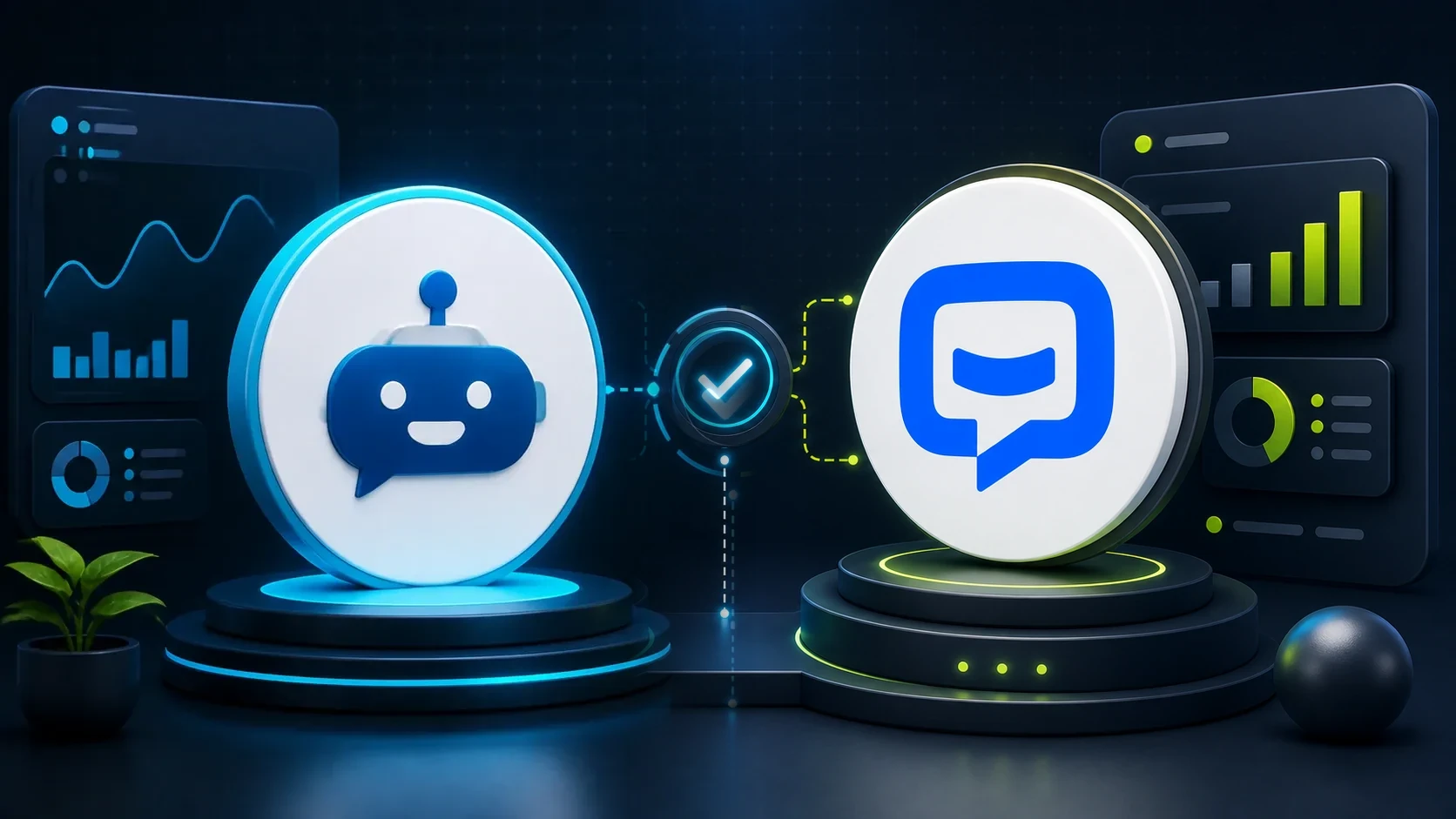
ChatbotEdge editorial comparison image showing FastBots and ChatBot.com medallions connected by a decision check.

Website answers or support workspace?

Choose FastBots first if your main problem is, "Can a chatbot answer from my website and capture leads without a complicated support setup?" Choose ChatBot.com first if your real problem is, "Can we manage AI answers, live chat, tickets, workflows, and handoff in one support workspace?"

The split is not "simple tool versus advanced tool." It is answer layer versus support layer. FastBots starts with the content the bot can learn. ChatBot.com starts with the support process around the conversation.

Pricing snapshot

Compare the pricing units before the features.

FastBots is priced around message credits, bots, and plan gates. ChatBot.com is priced per user, with AI resolutions and support-workspace allowances changing the real fit.
Current as of 2026-06-01

FastBots

Website AI chatbot

Cheapest paid plan $33/mo annually Essential plan

Monthly: $39/mo

Includes: 2,000 message credits/mo across 2 bots; standard replies use 1 credit.

Typical price range
$0 to $399/mo; main paid plans run $39-$199/mo
What raises the bill
Message credits (1 standard reply = 1 credit; advanced models use 5-10), chatbot count, handoff, and branding gates
Check current price

ChatBot.com

AI support workspace

Cheapest paid plan $19/user/mo Essential plan

Monthly: $25/user/mo

Includes: 1 AI agent, 10+ AI resolutions/mo, and 10,000+ API calls.

Typical price range
$19-$79/user/mo annually; Enterprise is custom
What raises the bill
Per-user pricing plus included AI agents, AI resolutions, API calls, and workflow allowances
Check current price

Free prompt builder

Test both tools with the same job.

Use the free builder to define the chatbot's sources, lead questions, handoff rules, and answer boundaries before you open either trial.

Quick comparison

Best early fit

A straightforward website chatbot that can answer from your site, files, policies, and lead-intake rules.

A broader ChatBot by Text support workspace for AI agents, shared inbox, ticketing, workflows, and human handoff.

Best first question

Do I mainly need a bot that answers questions from my own content?

Do I need the inbox, ticketing, workflow, and handoff layer around the bot?

Pricing signal

Essential is listed at $39/month, or $33/month when billed annually, with 2 chatbots and 2,000 message credits.

Essential is listed at $19/user/month annually, or $25/user/month monthly, with 1 AI agent and included AI resolutions.

Where to be careful

Message credits, advanced model credit use, live chat tier, branding removal, and WooCommerce limits need a plan check.

Per-user pricing, AI resolutions, automatic resolution refills, workflow limits, and support-workspace scope change the real cost.

Buyer fit

Start with what happens after the visitor asks a question.

Best for

  • Small websites that want a chatbot trained on their pages, files, help docs, policies, or FAQs.
  • WordPress owners who want a clear embed/plugin path before buying a broader support suite.
  • Consultants who need lead intake and simple post-chat routing without turning the project into a helpdesk rebuild.

Not for

  • Teams that need a full shared inbox, ticketing, workflow, and reporting workspace from day one.
  • WooCommerce stores that need live order lookup, cart changes, account changes, or checkout actions.
  • Buyers who want branding removal or human takeover on the lowest paid plan without checking plan gates.

Best for

  • Small support teams that are really choosing a customer-service workspace, not just a trained answer bot.
  • Sites that need AI agents plus shared inbox, tickets, workflows, visitor tracking, reporting, and LiveChat handoff.
  • WordPress buyers who want chatbot deployment connected to a broader support process.

Not for

  • Basic sites that only need a lightweight bot to answer from website content.
  • Solo owners who do not want per-user pricing or AI-resolution refill exposure.
  • WooCommerce stores treating Shopify-specific ecommerce evidence as proof of WooCommerce behavior.

Decision matrix

Website or document answers

FastBots

FastBots is the cleaner first check when the job is training a bot on website pages, sitemaps, docs, files, and policies.

We have not run a fresh setup or answer-quality test for this exact pair.

Support inbox and tickets

ChatBot.com

ChatBot.com has the stronger workspace story: shared inbox, ticketing, workflows, LiveChat handoff, visitor context, and Text App positioning.

That may be more product than a small site needs if all you want is an answer widget.

WordPress site widget

Depends

Both vendors document a WordPress deployment path.

We have not run a current WordPress plugin setup test for either tool in this comparison.

Lead capture to a CRM

Depends

FastBots has a plain lead-capture and post-chat Zapier/Make routing story. ChatBot.com has designed-flow Zapier automation and support-workflow context.

Treat both as lead-routing options until you verify timing, field mapping, and failure handling in your own CRM.

WooCommerce orders or carts

Neither yet

The public docs do not show native WooCommerce order lookup, cart edits, account actions, or checkout actions for either product.

FastBots explicitly frames live order lookup as Shopify-only today; ChatBot.com Shopify evidence should not be reused as WooCommerce proof.

Pricing

Do not compare the monthly price alone.

Pricing was reviewed on June 1, 2026. FastBots uses message credits and plan gates such as human takeover and branding removal. ChatBot.com uses per-user pricing, AI resolutions, workflow allowances, and support-workspace features.

If the pricing units are confusing, read message credits vs conversations before choosing a plan.

Entry paid plan

Essential: $39/month, or $33/month when billed annually.

Essential: $19/user/month annually, or $25/user/month monthly.

Next plan

Business: $89/month, or $75/month when billed annually.

Growth: $79/user/month annually, or $99/user/month monthly.

Higher plans

Premium: $199/month or $165/month annually; Reseller: $399/month or $333/month annually; Enterprise is custom.

Enterprise is custom.

Usage unit

Message credits, chatbot count, crawl pages, source limits, human takeover, and branding gates.

Users, AI agents, AI resolutions, API calls, workflows, live visitors, campaigns, and resolution refills.

Cost watch

A standard reply uses 1 message credit; advanced models can use 5-10 credits. Human takeover and branding removal appear behind higher plan gates.

Extra AI resolutions are listed at $0.99 each or $49.50 for a 50-pack that can refill automatically.

Fair comparison question

How much content needs training, and how many answers will the bot send each month?

How many support users, AI-resolved conversations, workflows, and handoff paths does the team need?

Capabilities

The difference is the layer you are buying.

Both tools can live on a website. FastBots is easier to understand as the answer layer: train it, embed it, capture leads, then route what matters. ChatBot.com is easier to understand as the support layer: AI agent plus inbox, tickets, workflows, and handoff.

Answers from website

yes

yes

FastBots is the simpler first check for website-trained answers. ChatBot.com also has knowledge sources, but the product frame is broader support operations.

Files and docs

yes

partial

FastBots documents website, sitemap, file, Google Sheets, and YouTube-style sources. ChatBot.com documents websites, articles, KnowledgeBase, Zendesk, and training behavior.

WordPress

yes

yes

Both have documented WordPress setup paths; neither has a current install-friction test in this comparison.

Human handoff

partial

partial

FastBots human takeover appears at Business and above. ChatBot.com leans into LiveChat handoff and support-workspace context.

Shared inbox

partial

partial

ChatBot.com has the stronger shared-inbox and ticketing story. FastBots is better framed as the answer layer unless a team specifically needs its Business handoff.

WooCommerce orders

no

unknown

The public docs reviewed for this page do not show native WooCommerce order lookup for either tool.

Website answers

FastBots is the clearer first check when a visitor asks about services, pricing policy, shipping, returns, forms, or page content and the owner wants the bot to stay close to the site's sources. If that is the job, also read which chatbots can answer from your website.

Support handoff

ChatBot.com has the stronger support-workspace story because inbox, tickets, workflows, reporting, and LiveChat handoff are part of the current product frame. FastBots can still fit if the handoff need is simpler and starts at the Business plan.

CRM lead routing

Both tools can be considered for sending captured leads onward, but the setup model differs. For the plain workflow version, use how to send chatbot leads to your CRM before relying on field mapping or live automation behavior.

Where this comparison is still limited

This comparison checks public official sources. It does not replace a fresh trial for setup time, answer quality, handoff reliability, WordPress theme compatibility, Zapier field mapping, Make behavior, WooCommerce order behavior, or production support performance.

Before buying, test both tools with the same pages, the same lead questions, the same handoff rules, and the same budget assumption. For a broader shortlist, use the plan finder or the comparison finder.

Sources checked

This page is based on official pricing, product, WordPress, handoff, and automation sources reviewed on 2026-06-01. Recheck current pricing and limits before treating it as a final buying recommendation.