Why this became a problem in 2026
WordPress 7.0 (released May 2026) ships a core AI Client: a shared
layer that stores AI provider keys once and lets any plugin on the
site use them. That is convenient, and it is also how AI spend gets
away from small teams. A chatbot, an SEO assistant, and an image
generator can all bill quietly against the same key, and the provider
invoice arrives as one undifferentiated total.
Core's answer is observability: Tools > AI Request Logs shows the
calls. What core does not ship is attribution in dollars, per-plugin
budgets, or any way to stop a misbehaving plugin at a limit. If a
plugin update introduces a retry loop on a paid model, the log will
faithfully record every request while the bill grows.
If you are still choosing the chatbot itself, start with the
chatbot scaling-costs guide
or the WordPress chatbot guide;
this page is about the spend layer underneath whatever you install.
The four-step spend-control plan
Step 1
Inventory what can spend
List every plugin and theme feature that can call an AI provider: chatbots, content assistants, image generation, SEO helpers, translation, and automation plugins. On WordPress 7.0 they can all share the same provider keys, so each one is a line on the same bill.
Step 2
Watch the core request log
WordPress 7.0 ships Tools > AI Request Logs as part of the core AI Client. It is view-only, but it tells you whether AI calls are happening at all, how often, and against which provider. If the log is busy and you cannot explain why, stop and investigate before adding more AI features.
Step 3
Attribute spend per plugin
The provider's billing page shows one total for a shared key. To see which plugin is responsible, add a monitoring layer that records each call with tokens, provider, model, and the plugin that made it, then estimates the cost per source over time.
Step 4
Set budgets and a hard stop
Decide what each plugin and the site as a whole may spend per month. Warnings are useful; an enforced stop is safer. WordPress 7.0 includes a core filter that lets a plugin block AI prompts before they run, which is what makes a real budget cap possible rather than an after-the-fact alert.
Tools for steps 3 and 4
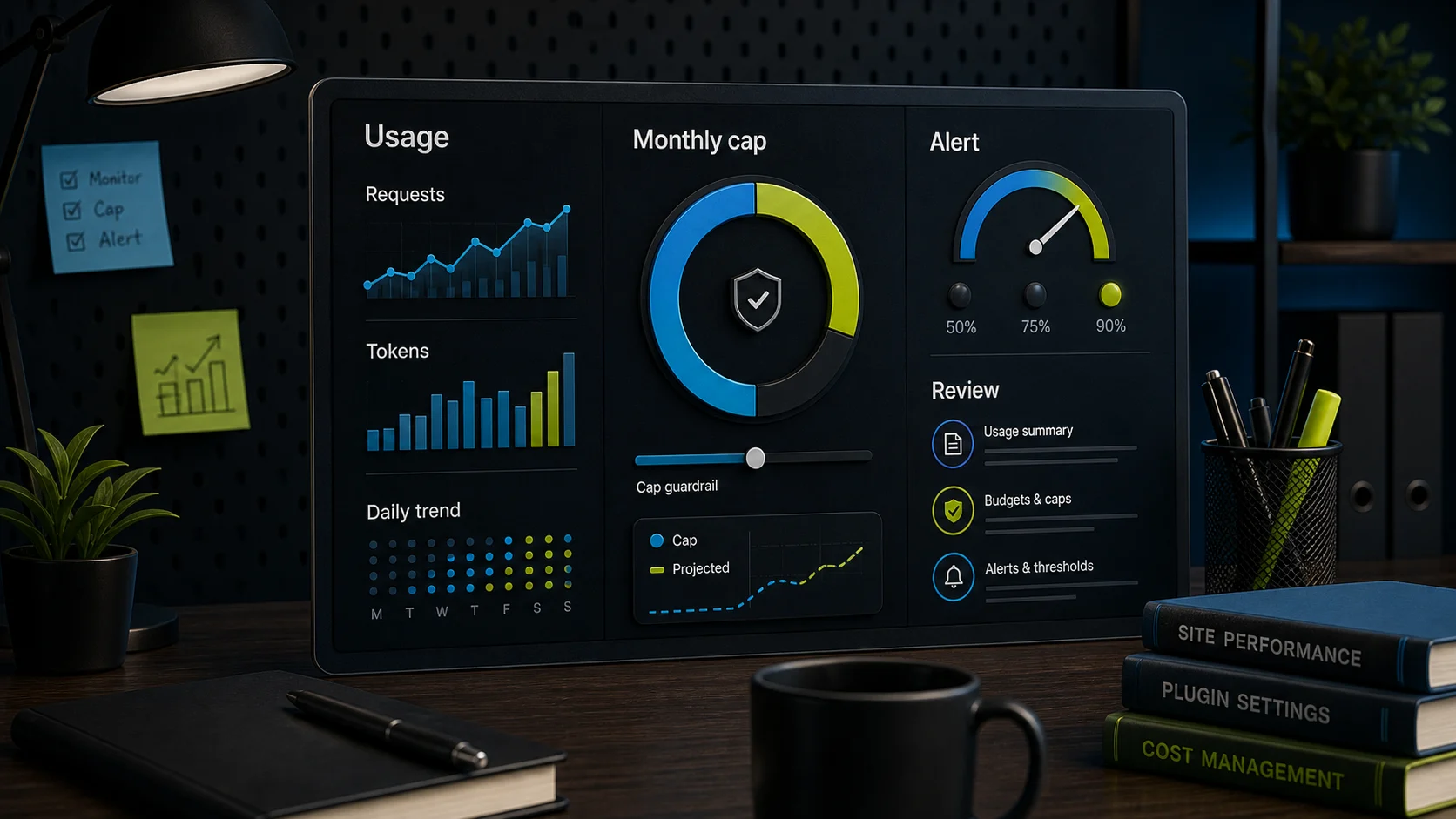
AI Spend Monitor by Axtolab (free) handles
attribution: it listens to the core AI Client, records tokens,
provider, model, and the calling plugin for each request, estimates
USD cost per plugin from published list prices, and shows a 30-day
dashboard under Tools. It makes no external calls and does not store
prompt content. It has been submitted to the WordPress.org plugin
directory and is in review there; until that listing is live it is
available from
axtolab.com.
Axtolab AI Spend Governance (paid) handles
enforcement on top of the Monitor: per-plugin and sitewide monthly
budgets, warning emails at a threshold you choose, and a hard stop
that blocks AI calls through the WordPress 7.0 core filter once a
budget is reached. Well-behaved plugins see AI as unavailable and
hide their AI features instead of erroring; blocked calls are
recorded so you can see what would have spent. Details and current
pricing are on the
product page.
The same-owner disclosure above applies to both. If you prefer a
different vendor, apply the same checklist: does it attribute calls
to a named plugin, does it estimate cost per source over time, and
does it block at the core AI Client level rather than only alerting
after the spend has happened?
What to watch either way
Risk Why it happens What to do
One shared key, many spenders
Core stores provider keys site-wide, so every AI plugin draws from the same account.
Attribute per plugin before trusting any single plugin's own usage screen.
View-only logs
Core's AI Request Logs show activity but set no limits and assign no dollar amounts.
Add cost estimation and budgets on top of core, or check provider billing often.
Background usage
Scheduled jobs, retries, and automations can spend without anyone in the admin.
Review the per-source table weekly until the baseline is boring.
Estimate drift
On-site cost figures come from list prices and token counts, not your invoice.
Treat the provider's billing dashboard as the source of truth for money decisions.
Spend control is the boring half of AI on WordPress, and it is the
half that keeps the interesting half affordable. Set the budget
before the bot gets popular, not after the first surprising invoice.
When you are ready to pick the customer-facing tool, the
small-business chatbot picks
page is the next step.