
Landscaper buyer guide

Best AI chatbot for landscapers: capture quote requests before they go cold.

A landscaping chatbot can collect the brief and show approved ranges from source pages or tested calculator actions. It should not invent price, diagnose site conditions, or promise a crew without a tested workflow.

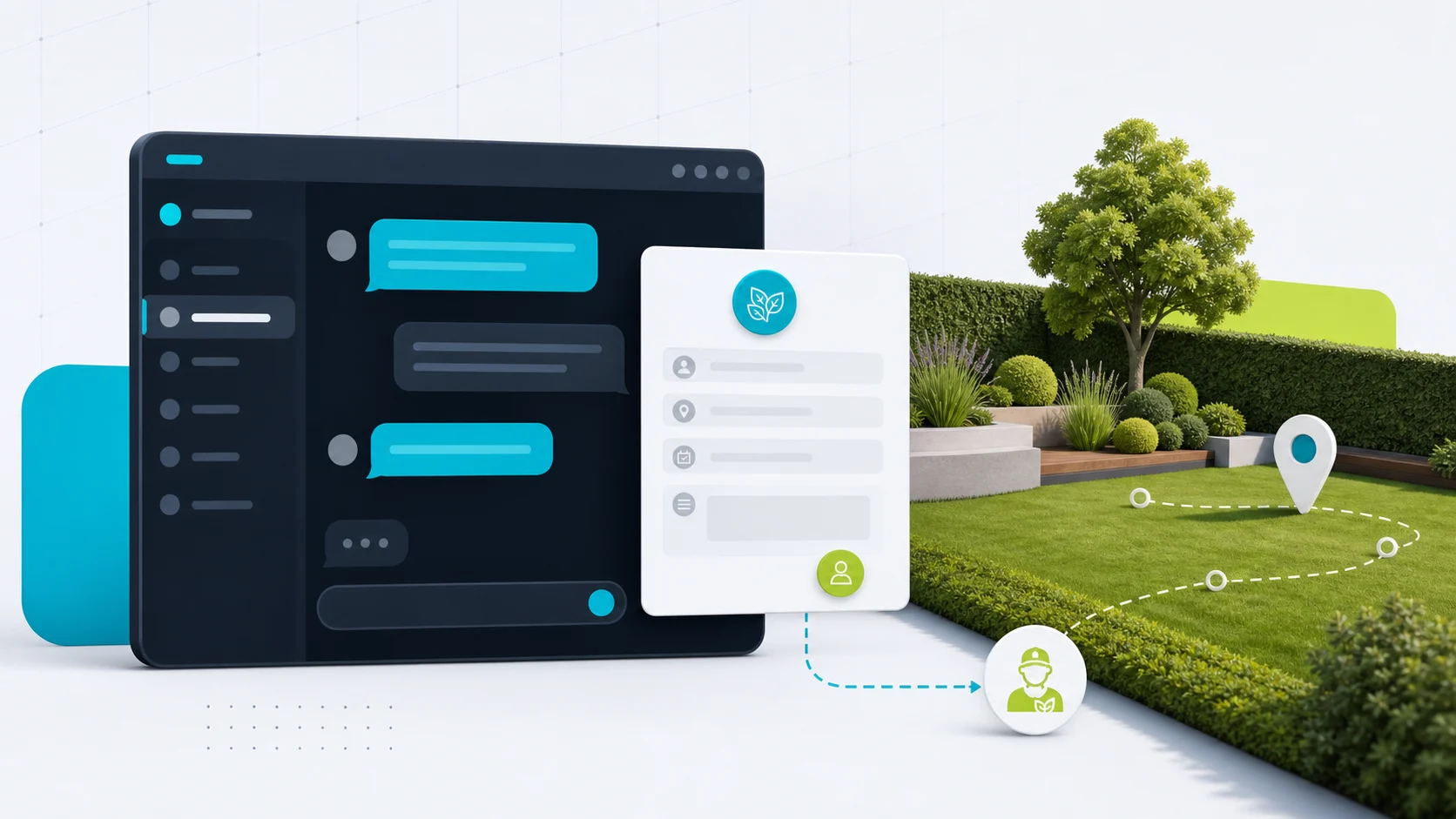
Editorial image showing a landscaping chatbot collecting property and quote details.

The job in plain English

Turn a vague landscaping enquiry into a callback-ready lead.

The visitor asks for mowing, cleanup, landscaping, or recurring care. The chatbot collects the details the owner needs before calling back.

Ask for these details first

Location
Suburb or postcode
Service
Mowing, cleanup, landscaping
Property
Type, size, photos or notes
Send to
Owner, estimator, or office

Let the bot help with

Cleaner quote enquiries, or approved ranges from source content or pricing actions, without turning the chatbot into a field-service system.

Needs rules or review

No model-invented final price, site diagnosis, treatment advice, tree-safety advice, crew promise, or route commitment.

Short answer

Start with FastBots if you want a straightforward site-trained assistant to collect quote, service-area, property, and recurring maintenance enquiries. Look at Chatbase if controlled answers from approved source material are the main risk. Choose Tidio if live chat, tickets, and inbox handoff matter. Consider ChatBot.com when you want a broader support workspace rather than a simple lead form replacement.

The first win is not free-form AI quoting a retaining wall, diagnosing a lawn disease, or scheduling a crew. It is fewer missed enquiries, better lead briefs, and approved ballpark ranges when the business has a current price source or tested calculator action: service type, location, property notes, frequency, timing, photos or description, contact details, and a clear callback or review path.

For quote-specific boundaries, use the AI chatbot quote-request guide: it keeps intake, approved ranges, tested calculator actions, and final price or crew commitments clearly separated.

For another service business where photos and estimate details matter, compare the AI chatbot for painters guide: it keeps rooms, surfaces, timing, project photos, and quote handoff in view without turning the bot into an estimator.

For another recurring outdoor-service example with photos, access notes, route timing, and treatment boundaries, compare the pool service chatbot guide.

Keep the chatbot as intake and routing. Pricing, site conditions, chemical or treatment decisions, crew scheduling, and final service commitments should stay with a qualified person and the business's approved process.

Pricing snapshot

What the active shortlist costs before you trial it.

Price is a primary filter for local service businesses, so compare the current range and usage unit before choosing a chatbot.
Current as of 2026-05-27

FastBots

Website AI chatbot

Entry paid $33/mo annually Essential plan

Monthly: $39/mo

Includes: 2,000 message credits/mo across 2 bots; standard replies use 1 credit.

Range
$0 to $399/mo; main paid plans run $39-$199/mo
Cost driver
Message credits (1 standard reply = 1 credit; advanced models use 5-10), chatbot count, handoff, and branding gates

Check vendor pricing

Chatbase

Trainable website chatbot

Entry paid $32/mo annually Hobby plan

Includes: 500 message credits/mo, 1 AI agent, and 5 AI Actions/agent.

Range
$0 to $400/mo annually; Enterprise is custom
Cost driver
Message credits, AI agents, source limits, actions, seats, and add-ons
Check vendor pricing

Tidio

Website chat and support

Entry paid $24.17/mo Starter plan

Includes: 100 billable conversations/mo; Lyro AI is separate, with the first 50 conversations lifetime free.

Range
$24.17/mo Starter to $749/mo Plus; Premium is custom
Cost driver
Billable conversations, Lyro AI conversations, Flows visitors reached, and seats
Check vendor pricing

ChatBot.com

AI support workspace

Entry paid $19/user/mo Essential plan

Monthly: $25/user/mo

Includes: 1 AI agent, 10+ AI resolutions/mo, and 10,000+ API calls.

Range
$19-$79/user/mo annually; Enterprise is custom
Cost driver
Per-user pricing plus included AI agents, AI resolutions, API calls, and workflow allowances
Check vendor pricing

Landscaping workflow

The bot should make the callback easier.

A useful landscaping chatbot is an intake and routing layer, not a site assessor, treatment adviser, estimator, crew calendar, route planner, or field-service system. It should separate routine mowing, cleanup, recurring care, and quote enquiries from questions that need a qualified review path.

What matters most

What matters for landscapers

A quick read on what matters for this buying decision.
Quote lead capture Core job
Job detail intake Core job
Service-area fit Reduce waste
Recurring maintenance Repeat work
Ballpark ranges Rules needed
Final pricing Review path

Where it helps

Where a chatbot helps, and where it should stop.

This shows where a chatbot can help on a landscaping website, and where a person still needs to stay close. Lead intake, approved-source answers, service-area filtering, and tested estimate actions are good places to start; final commitments, treatment advice, crew routing, and field-service workflows need clearer proof.

Lead capture

Strong

Best first use

Source answers

Strong

Service pages and FAQs

Service-area fit

Strong

Suburbs and minimums

Human handoff

Useful

Quote review

Recurring maintenance

Useful

Good intake fit

Booking or routing

Careful

Proof needed

Treatment advice

Careful

Keep out of scope

Choose the right layer

Website chatbot, AI receptionist, or field-service system?

A lot of landscaping AI marketing blends these together. Keep the layers separate before choosing a tool.
01

Website layer

Website chatbot

Best for service-area answers, quote-request intake, recurring maintenance questions, cleanup enquiries, and callback routing.
  • Service pages
  • Lead briefs
  • FAQs
  • Callback paths
02

Reception layer

AI receptionist

Better when the real issue is missed phone calls, after-hours answering, or fast routing while the owner or crew is on a job.
  • Phone answering
  • Urgent routing
  • After-hours calls
03

Ops layer

Field-service system

Needed when the workflow touches crew calendars, route planning, quotes, invoices, payments, accounting, treatments, or job management.
  • Crew routing
  • Quotes
  • Invoices
  • Payments

Shortlist

Which tool should you check first?

These are current ChatbotEdge-reviewed tools that can fit landscaping website-chatbot work. Specialist AI receptionists or landscaping operations platforms may be better if the real problem is phone answering, route planning, quoting, crew management, payments, or landscaping CRM sync.

Lead capture

FastBots

Simple site-trained lead intake

Start here if

Landscapers and lawn-care businesses that want a simple site-trained assistant to collect name, phone, suburb, service type, property details, photos or description, frequency, and preferred quote or callback time.

Before you choose

FastBots is best treated as lead intake first. Its official lead-generation page supports qualifying questions, lead storage, email notifications, Zapier or Make handoff, scheduling-link context, and live chat on Business plan and above. Do not turn that into a claim of confirmed landscaping booking or crew scheduling without testing your exact setup.
Check FastBots

Source control

Chatbase

Source-controlled assistant

Start here if

Landscaping teams with service pages, service-area rules, recurring maintenance policies, photo instructions, cleanup descriptions, and quote caveats they want the chatbot to answer from carefully.

Before you choose

Source control helps, but it does not make the chatbot a landscaper, arborist, irrigation technician, or estimator. Treat Chatbase Actions as a capability to evaluate, not as a proven landscaping booking, routing, quoting, or treatment workflow.
Check Chatbase

Handoff

Tidio

Inbox and handoff workflow

Start here if

Lawn-care businesses that want AI plus live chat, tickets, operating-hours handling, and a shared inbox for the owner, office manager, estimator, or crew lead.

Before you choose

Tidio fits better when a real person will manage the inbox and urgent handoff rules. Treat booking, quote, crew, route, payment, and accounting language as handoff paths until your own workflow is tested.
Check Tidio

Workflow

ChatBot.com

Support workspace

Start here if

Larger landscaping teams that want a broader support workspace with a website widget, ticketing, workflow automation, reporting, and integrations.

Before you choose

Use it as a structured support layer, not a landscaping-specific field-service system. Check every downstream action before it touches quotes, confirmed visits, crew schedules, route planning, payments, accounting, irrigation, chemicals, or tree-care work.
Check ChatBot.com

Lead intake flow

From lawn-care enquiry to useful job brief.

The visual goal is simple: collect enough to help the business respond faster, then stop before the chatbot becomes an estimator, treatment adviser, crew scheduler, or field-service system.
01 Visitor asks

A quote or maintenance enquiry lands

The visitor asks about mowing, garden maintenance, seasonal cleanup, landscaping work, or recurring lawn care.

02 Bot collects

Capture the useful property brief

Suburb or postcode, property type, service type, yard size or notes, photos or description, frequency, timing, and preferred quote or callback path.

03 Boundary check

Use approved pricing sources or actions

The chatbot can flag urgency and show ballpark ranges from approved source content or fixed calculator actions. Site conditions, treatment advice, tree safety, and crew commitments need review.

04 Handoff

Send a clearer lead brief

The owner, office manager, estimator, or crew lead gets a clearer transcript and can decide the next step.

What the chatbot should collect

The questions that make the callback cleaner.

Mowing or recurring maintenance

The visitor wants a one-off mow, weekly or fortnightly lawn care, strata or HOA maintenance, acreage mowing, or commercial grounds care.

Collect suburb or postcode, property type, rough yard size or notes, service frequency, timing, photos or description if useful, and the preferred quote or callback path.

Seasonal cleanup

The visitor asks about leaves, storm cleanup, overgrown yards, garden tidy-ups, hedging, pruning, or green-waste removal.

Ask for service type, property notes, visible issue, timing, photo-follow-up path, access notes, and contact details. Use an approved pricing source or tested calculator action for ranges and route site assessment to review.

Landscaping quote

The visitor wants a quote for garden beds, turf, hardscaping, retaining walls, planting, drainage-related work, or a larger landscape project.

Capture the project type, property type, location, rough scope, timing, and contact details. Use approved pricing sources or tested calculator actions only for rough ranges, and route site review, scope, and final quote through the business's approval path.

Irrigation, tree, or treatment question

The visitor asks about sprinklers, irrigation faults, lawn disease, pests, weeds, fertilizer, herbicide, pruning, or tree safety.

Collect the enquiry as background and route to the approved human path. Do not diagnose, prescribe treatment, or advise on tree safety.

Routine FAQ

The visitor asks about service areas, minimums, recurring plans, photos, quote process, payment methods, warranties, or what happens before a visit.

Answer from approved pages, policy snippets, and Q&A. Use approved pricing sources for price answers, then stop before route, crew, treatment, or booking promises.

Setup checklist

Set the rules before busy season.

Write the exact suburbs, postcodes, minimum job rules, property types, and service categories the chatbot can mention.

Create approved wording for quotes, visits, after-hours enquiries, urgent cleanup, irrigation, tree-care, chemical, treatment, and safety boundaries.

Add service pages, recurring maintenance descriptions, cleanup pages, service-area notes, photo instructions, quote policies, and FAQs as sources.

Define the lead fields: name, phone, email if useful, suburb or postcode, property type, service type, frequency, yard notes, description, photo path, timing, and preferred callback time.

Tell the chatbot to collect the situation and use only approved pricing sources or tested calculator actions for ranges. It should not diagnose site conditions, invent prices, prescribe treatments, or promise a crew.

Send every captured lead and transcript to an inbox, CRM, dashboard, or workflow a real person checks.

Review transcripts before letting the bot near confirmed booking, crew scheduling, route planning, estimates, payments, accounting, or field-service workflows.

Where automation needs guardrails

Good first uses, and what needs rules or review.

The safest landscaping chatbot gathers details, uses approved pricing sources or tested calculator actions for ranges, and explains the next step from approved business copy. It should not invent price, decide treatment, site condition, tree safety, crew availability, or final service commitments.

Good first uses

Collect the lead brief

Ask for contact details, suburb or postcode, service type, property notes, frequency, timing, description, photo path, and preferred callback or quote path.

Answer from approved content

Use service pages, service-area notes, recurring-plan copy, minimum-job rules, photo instructions, quote policies, and approved Q&A.

Route by fit and urgency

Send out-of-area work, urgent cleanup, unclear site conditions, treatment questions, tree-care questions, or quote-sensitive cases to the approved phone, inbox, or human handoff path.

Needs rules or review

Pricing rules and site conditions

Ballpark ranges need approved sources, live prices, or tested rules. Final pricing, scope, access constraints, drainage issues, retaining walls, hardscaping, and site-specific risks need the business's approved quote process.

Treatment, irrigation, and tree safety

Do not let the chatbot diagnose lawn disease, pests, drainage, irrigation faults, pruning needs, tree safety, or chemical, fertilizer, herbicide, or pesticide decisions.

Operational commitments

Confirmed visit times, crew schedules, route planning, recurring-service setup, payments, accounting sync, and field-service updates need proven human-reviewed workflows.

Do not automate first

  • Free-form AI-generated final quotes or site-specific project scope without approved sources, tested calculator actions, or review.
  • Diagnosis of lawn disease, pests, weeds, drainage, irrigation faults, tree condition, or site safety.
  • Pesticide, herbicide, fertilizer, chemical, or tree-safety advice.
  • Guaranteed crew availability, route timing, same-day response, recurring schedule, or confirmed service date.
  • Payment collection, invoicing, accounting sync, or field-service updates that have not been tested in the exact workflow.
  • Native landscaping CRM, route optimization, crew dispatch, or treatment workflow claims without official proof or hands-on testing.

Specialist tools

When a chatbot is not enough.

If the real problem is missed phone calls, route planning, crew calendars, confirmed booking, estimate visits, payments, accounting, chemical or treatment decisions, irrigation, tree care, or recurring service operations, a website chatbot may only solve part of it.

For this guide, we kept the shortlist to tools ChatbotEdge can describe from official sources. We do not claim those tools are native landscaping dispatch, route optimization, treatment, irrigation, tree-care, quoting, payment, accounting, or field-service systems.

A practical split: use a website chatbot to capture and qualify the enquiry; use a specialist phone or job-management layer when you need live call answering, crew calendars, route planning, quote visits, payment, accounting, or landscaping CRM workflows.

Sources checked

What this guide is based on.

Product details change. Check the current vendor docs before giving a chatbot permission to handle price estimates, confirmed visits, crew schedules, route planning, treatments, payments, accounting, or customer promises.