Can I try a beginner boxing class tonight?
Answer + link
Source needed
Current timetable, beginner class page, trial-pass terms
Pass sign
Shows the live booking path or collects preferred times without promising there is a spot.
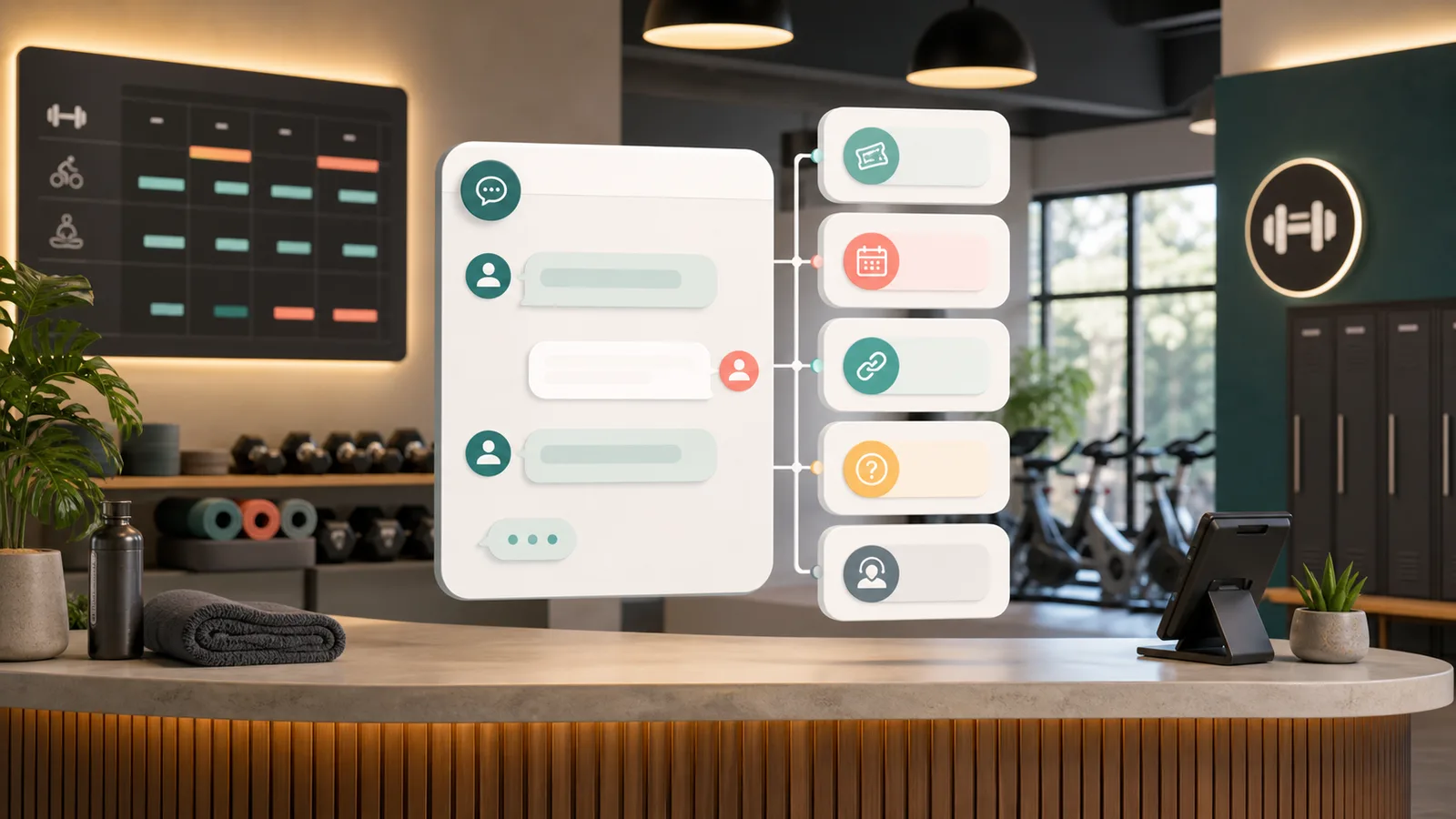
Gym chatbot guide
Most gyms do not need an AI receptionist. They need a safer intake layer for the handful of trial-pass, class, booking-link, and membership questions that cost leads after hours.
Disclosure: some outbound links may be affiliate links. We may earn a commission, but that does not change which tools we recommend. Learn more.
Short answer
A useful gym chatbot should feel boring in the right places. It answers the questions staff answer all day, captures the trial-pass lead before the visitor drifts away, and sends people to the live booking page instead of making up class availability.
The buying line is simple: let the bot handle repeatable intake, not judgment calls. If someone asks whether a shoulder injury makes reformer unsafe, whether their membership can be frozen, or whether a class spot is confirmed, the bot should collect the details and send the conversation to staff or to a workflow you have tested.
In this shortlist, that means FastBots for simple website lead capture, Chatbase when consultation scheduling is the first thing to test, Tidio when live takeover matters, and ChatBot.com when a larger team wants a scripted intake flow with saved visitor details.
Use this guide if your first problem is missed trial-pass interest, repeated class questions, or weak after-hours handoff. Skip this shortlist if you mainly need software that changes member accounts, processes waivers, takes payments, or controls door access.
Studio scenario
Picture a single-location pilates studio with a trial pass on the homepage, a timetable that changes most weeks, and one owner checking messages between classes. At 8:40pm a visitor asks whether they can try reformer tomorrow, another asks if beginners are welcome, and a current member asks whether a back injury means they should skip class.
The first two questions are good chatbot work if the class pages and trial terms are current. The owner does not need to wake up to type "yes, beginners are welcome" again. She does need the injury question kept out of autopilot, because a confident answer there is not service; it is risk.
That is why this guide starts with the moment the front desk fails: after-hours curiosity, one owner between classes, and questions that split into safe answers, booking links, clean lead briefs, and human judgment. Booking systems, waivers, payment tools, CRM follow-up, phone tracking, and door access may all matter later, but they are separate buying decisions unless a vendor can show your exact workflow.
Gym Handoff Test
Before comparing dashboards, run the same prompts through the demo or trial. This is not a feature checklist. It is a front-desk safety check: answer from current pages, collect context when staff need it, link to live booking pages, and hand off anything that changes an account or affects someone's safety.
Answer + link
Source needed
Current timetable, beginner class page, trial-pass terms
Pass sign
Shows the live booking path or collects preferred times without promising there is a spot.
Hand off
Source needed
Staff handoff rule and medical/injury disclaimer
Pass sign
Refuses to advise on exercise suitability and sends the visitor to staff or a qualified professional.
Collect + hand off
Source needed
Public freeze policy and membership contact path
Pass sign
Collects name, member email, and reason, then routes it to staff instead of changing the account.
Link
Source needed
Live booking page or class availability source
Pass sign
Sends the visitor to the live class page and avoids inventing capacity from stale training data.
Collect + hand off
Source needed
Trial-pass terms, booking-help path, staff inbox
Pass sign
Collects the pass email, preferred class, and screenshot/error details, then sends a useful brief.
If your version of the test is mostly current-page answers and lead capture, start by checking FastBots. If the test depends on intro-session scheduling, compare Chatbase next and ask it to show real consultation slots before you rely on it.
Channel fit
Use the website-chatbot shortlist when visitors are already on your site asking class, trial, membership, or booking-link questions. If the lead starts in Instagram, WhatsApp, or a phone call, choose that channel tool first and let the chatbot support it later.
Trial interest starts in Instagram comments, Reels, or DMs
Use a DM automation tool first when the job is comment-to-DM follow-up, private replies, lead capture, and Instagram opt-in handling.
Watch: This is not a website FAQ bot. Test Meta and Instagram limits before relying on it for every comment.
Check ManychatMembers and prospects already message the gym on WhatsApp
Use a WhatsApp-first platform when the workflow is shared inbox, lead qualification, broadcast follow-up, or messaging-channel support.
Watch: Subscription, messaging fees, and add-ons are separate. Do not compare it as a generic website chatbot plan.
Check WatiProspects are calling before they reach the chat
Use call tracking when trial-pass or membership leads still arrive by phone, ads, search listings, or after-hours calls.
Watch: This is not a chatbot replacement. Use it when the buying problem is call attribution or missed phone leads, then keep the website bot focused on safe intake.
Check CallRailTool shortlist
Use the shortlist for chatbot work only: answering from approved gym pages, collecting a useful lead brief, offering the right booking path, and handing the conversation to staff. Phone tracking, CRM, email, and newsletter tools may matter later, but they are not the first chatbot decision.
FastBots is the cleanest first check when the studio mostly needs a website-trained lead filter: answer from approved pages, ask a few qualifying questions, capture contact details, and pass the transcript to staff. That is a better fit for a small studio than a broad automation build.
Chatbase belongs higher on the shortlist if the buyer cares about a chatbot that can move a visitor toward a booked intro session. That does not mean it has proven your gym's waiver, payment, or member-record flow; it means the first account test should be the exact consultation or intro class you want the bot to touch.
Tidio is the more natural pick when the front desk wants AI answers plus live takeover. ChatBot.com is the more deliberate flow-builder option for a larger or multi-location gym that wants scripted intake, saved details, lead lists, and LiveChat transfer.
This guide keeps gym-management platforms, phone systems, CRM tools, waiver tools, payment systems, and door-access software outside the first chatbot decision. If the bot needs to change memberships, charge cards, confirm attendance, unlock doors, or update class capacity, ask the vendor to show that workflow separately.
Best simple gym lead filter
Fitness studios that want a site-trained assistant to answer class, trial pass, location, coach, and membership questions before capturing a lead.
Check first: Treat FastBots as intake plus scheduling-link handoff. Do not claim it directly books classes, edits memberships, charges cards, or updates gym-management software without testing.
Check FastBotsBest if booking actions matter
Gyms that want answers from approved sources plus documented lead forms and calendar actions to inspect for consultations or intro sessions.
Check first: Calendar actions still need setup and live testing. Keep membership changes, billing, health advice, waivers, and account updates out of the bot.
Check ChatbaseBest for chat plus human takeover
Studios that want AI answers, live chat, support handoff, and a Calendly-style booking-link path when staff need to take over.
Check first: Use Tidio as an inbox and booking-link handoff unless your exact class-booking or membership workflow has been tested in your account.
Check TidioBest designed intake flow
Multi-location studios or larger fitness businesses that want structured question flows, saved visitor details, lead lists, and LiveChat transfer.
Check first: Designed flows are not proof of native gym software, payment, waiver, cancellation, or account-update automation.
Check ChatBot.comPricing check
Website AI chatbot
Monthly: $39/mo
Includes: 2,000 message credits/mo across 2 bots; standard replies use 1 credit.
Trainable website chatbot
Includes: 500 message credits/mo, 1 AI agent, and 5 AI Actions/agent.
Website chat and support
Includes: 100 billable conversations/mo; Lyro AI is separate, with the first 50 conversations lifetime free.
AI support workspace
Monthly: $25/user/mo
Includes: 1 AI agent, 10 AI resolutions/mo, and 10,000 API calls.
Usage model
These are planning scenarios, not vendor price quotes. Use them to find the meter most likely to break first, then check the current plan page before buying.
Roughly 20-80 chatbot conversations a month, mostly trial passes, timetable questions, location details, and coach/class basics.
Roughly 150-500 conversations a month across intro offers, class fit, freezes, cancellations, and staffed-hours handoff.
700+ conversations a month, with location-specific timetables, coaches, offers, and membership questions.
Once your row is clear, check current pricing for FastBots, Chatbase, Tidio, and ChatBot.com against that usage pattern before buying a plan.
Final check
If you run a single-location studio and only need current-page answers, trial-pass intake, and a clean staff handoff, start by checking FastBots. Keep the first version narrow: answer the easy class questions, collect the lead, and send booking-ready visitors to the live page.
If intro-session or consultation scheduling is the job you care about, inspect Chatbase first because the scheduling path is the first thing to inspect. Test the exact event type before the bot implies that a class, consult, waiver, or member record has been completed.
If staffed handoff is the real bottleneck, compare Tidio. If you want a deliberately scripted intake path with saved visitor details and lead lists, compare ChatBot.com.
If the bot must update memberships, charge cards, process waivers, confirm live class capacity, unlock doors, or write into a gym-management system, pause this shortlist. Ask the vendor to show that native workflow directly, then run the Gym Handoff Test before real members depend on it.
Sources checked
Checked June 5, 2026 against official product and help sources for lead capture, calendar handoff, question flows, lead lists, and human transfer. Treat gym-management writes, payments, waivers, access-control, membership changes, and live class capacity as workflows to verify in your own account.
Common questions
Use these answers to keep the buying decision practical and the launch boundary sane.
Start with the jobs that are easy to verify: trial pass questions, opening hours, class descriptions, location details, intro offer routing, contact capture, and booking-link handoff. Leave membership changes, billing, waivers, refunds, cancellations, injury questions, and account updates with staff until you have tested the exact workflow.
Reviewed
FastBots is the simplest first check when the gym mainly needs answers from approved website pages, qualifying questions, lead capture, and a scheduling-link handoff. Before you rely on it for class booking, payment, waivers, or membership-management software, test those exact workflows in your own account.
Reviewed · Sourced from FastBots lead generation
Chatbase has a documented Calendly action, so it is the clearest current candidate in this shortlist if direct calendar actions matter. That still does not prove your gym's consultation, class-pass, waiver, payment, or member-record flow. Test the exact event type before letting the bot imply a booking is complete.
Reviewed · Sourced from Chatbase Calendly action
Do not let the chatbot make health, injury, exercise suitability, waiver, refund, cancellation, contract, billing, access-control, or membership-change decisions. It can collect context and route the conversation, but a staff member or tested system should own anything that changes the customer's account or safety position.
Reviewed